
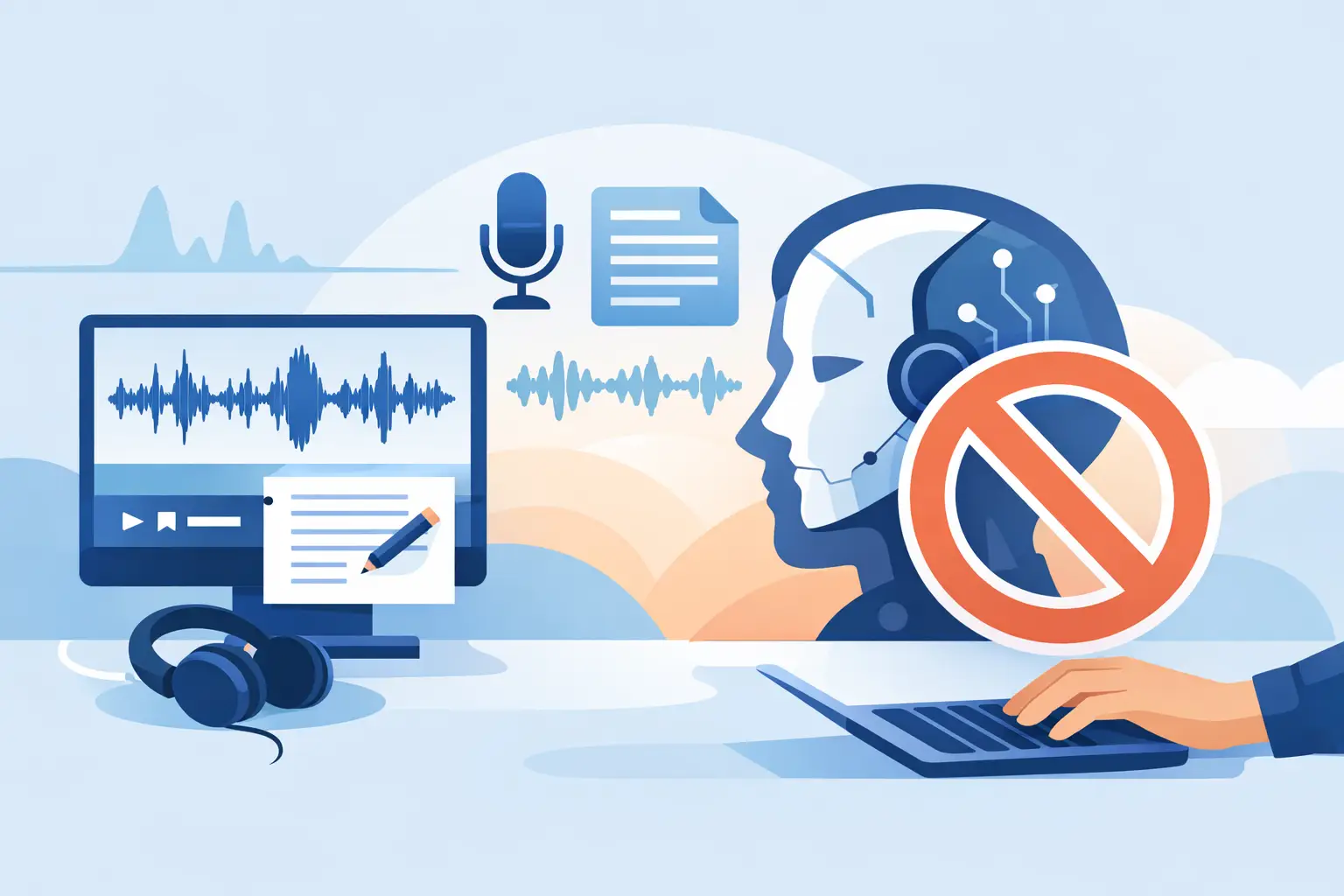
If you record interviews, client calls or internal meetings for a living, one question matters more than most feature lists admit: what happens to your audio after the transcript is created? That is why demand for transcription software with no AI training is growing among journalists, researchers, consultants and teams handling commercially sensitive conversations.
Fast transcription is no longer unusual. What is unusual is clear data handling. Many tools promise convenience, then leave customers to work through vague wording about model improvement, third-party processors or open-ended retention. For professionals, that is not a small print issue. It affects source protection, contractual confidentiality, compliance obligations and basic trust.
Why transcription software with no AI training matters
When a platform states that customer content is not used for AI training, it draws a hard line around purpose. Your recordings are processed to create transcripts, not repurposed to improve someone else’s model. That distinction matters when your material includes interview recordings, research sessions, legal-adjacent discussions, board updates, coaching notes or commercially sensitive project calls.
There is also a practical point. Teams are more likely to adopt transcription widely when the policy is straightforward. If staff need to second-guess whether a meeting can be uploaded, usage drops and manual note-taking returns. Clear restrictions on AI training remove that hesitation and make the tool easier to use in real working environments.
This is especially relevant in the UK and other regulated business settings where privacy expectations are not theoretical. Procurement teams, compliance leads and managers increasingly ask direct questions about retention, processing location and model training. If a vendor cannot answer them plainly, the product creates friction before it delivers value.
What professionals should look for in transcription software with no AI training
The no-training policy is important, but it should not be the only standard. A serious platform needs to pair that commitment with controls that support day-to-day work.
First, look at retention. A privacy-conscious service should explain how long recordings and transcripts are kept and give you clear control over deletion. Indefinite storage might sound convenient, but for many organisations it creates unnecessary risk. Defined retention windows are often the better option because they support data minimisation rather than endless accumulation.
Second, check where processing takes place. If your business is sensitive to cross-border transfers, region matters. EU-based processing with no US data transfers will be a stronger fit for many organisations than an arrangement spread across multiple jurisdictions with limited visibility.
Third, make sure security is not treated as an enterprise-only extra. Two-factor authentication, controlled access and sensible workspace management should not sit behind a premium gate if the tool is intended for professional use.
Finally, the software still has to do the job well. Privacy controls do not compensate for poor transcription, clumsy editing or weak speaker separation. The right platform should produce clean, timestamped text quickly, make speaker diarisation usable, and let you search, edit and export without fuss.
The trade-off: privacy versus convenience is not always real
Some buyers still assume that stronger data controls mean slower workflows or weaker features. In practice, that depends on the product design. A professional platform should not force you to choose between governance and usability.
Real-time browser-based transcription, file upload, summaries, bookmarks and exports can all sit alongside strict handling rules. The better question is whether the vendor has built the service for business users or for casual consumer dictation. Consumer tools tend to optimise for low-friction capture and broad engagement. Professional tools need to optimise for reliability, auditability and repeatable outputs.
That distinction shows up in small details. Can you transcribe a live call and review the text immediately? Can you upload a recorded interview and receive timestamps that help you find the exact quote later? Can your team share minute allowances instead of paying for fragmented individual usage? These are workflow questions, not just feature questions.
How this plays out in real work
A journalist working with recorded interviews needs speed, but also source confidence. If the platform can generate a transcript in seconds while making it clear that the audio is not used to train AI models, it removes a major barrier to adoption. The journalist can focus on extracting quotes, checking context and filing copy rather than worrying about downstream data use.
A researcher faces a similar issue from a different angle. Research interviews often contain personal data, commercially sensitive feedback or unpublished findings. Here, a no-AI-training position matters because the content is not just valuable – it may be confidential under participant agreements or research governance rules. The software must help with transcription and analysis without blurring the line between processing and repurposing.
Consultants and small teams often need a more operational benefit. They want meeting records, follow-up notes and searchable transcripts that reduce admin after client calls. In those settings, privacy concerns are tied directly to client trust. A useful tool is one that can capture the discussion, assign speakers, support quick review and produce an exportable record, while staying clear about what happens to the underlying content.
Coaches, podcasters and creators have their own version of the same requirement. They need spoken content turned into something usable – whether that means notes, summaries, clips or written drafts – but they may still want control over retention and model training. Public-facing content is not always low-risk content, especially before publication.
A practical way to assess a vendor
If you are comparing tools, do not stop at the marketing line. Test the workflow and the policy together.
Start with a real file, not a sample. Upload a meeting, interview or episode you would normally need to process. Check transcription speed, accuracy, speaker labelling and how easy it is to correct the text. Then look at what happens next. Are there clear settings around retention? Is deletion straightforward? Does the provider state plainly that your content is not used for AI training? Is the processing region specified in language a business user can actually understand?
This is also where summaries and bookmarks become useful. They are not decorative extras. In long recordings, those features help users move from raw transcript to workable output faster. A transcript that is accurate but hard to review still creates admin. A transcript that is accurate, searchable and easy to navigate reduces it.
For teams, check how collaboration works. Shared workspaces and pooled minutes can make adoption much simpler than separate accounts managed in isolation. That matters when transcription moves from one user’s workaround to a standard team process.
Why policy clarity is now part of product quality
There was a time when buyers mainly compared transcription tools on speed and accuracy. Those still matter, but they are no longer enough on their own. If two platforms can both produce usable text quickly, the one with clearer controls around AI training, retention and processing location is often the better business choice.
That is not fear-based buying. It is ordinary operational judgement. Businesses already evaluate software on access control, contract terms and hosting. Speech data should be treated with the same discipline, especially when it contains people’s voices, identities, decisions and unreleased information.
For that reason, transcription software with no AI training is not a niche preference. It is a practical requirement for professionals who want the benefits of speech-to-text without giving up control of the source material. A platform such as Endaxi Scribe fits that expectation when it combines fast transcription with explicit no-training commitments, defined retention, strong account security and EU-based processing.
The useful test is simple: after the transcript is ready, do you still know where your data is, why it was processed and what happens next? If the answer is yes, the software is working as a professional tool should – quietly, quickly and under your control.
Choose the platform that lets you get the transcript, do the work and move on, without creating a second problem in the process.