
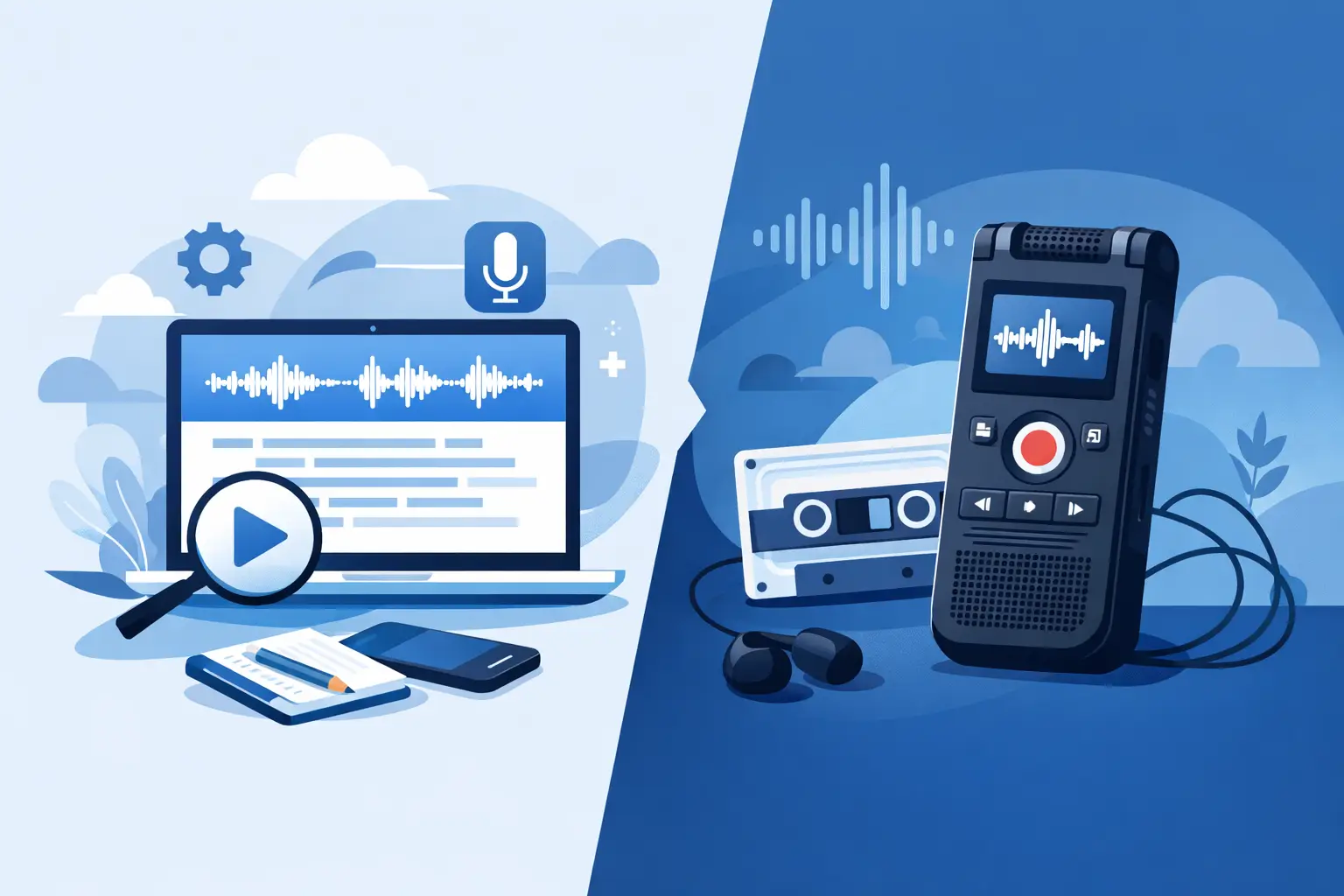
A recorder can capture every word of a client call, interview or research session – and still leave you with an hour-long file nobody has time to revisit. The real question in a transcription platform vs voice recorder comparison is not whether audio can be recorded. It is whether spoken information becomes a usable, secure and accountable work record.
For occasional personal notes, a voice recorder may be enough. For professionals who need to quote, act on, share or retain what was said, transcription changes the workflow completely. It turns audio from a file you must replay into text you can search, review and export.
Transcription platform vs voice recorder: the practical difference
A voice recorder has one core job: capturing sound. That may be a dedicated handheld device, a phone app or a meeting recorder. It creates an audio file, usually with a date, a filename and little else. The recording is useful evidence of what happened, but the value remains locked inside the file until someone listens back.
A transcription platform records live speech or accepts uploaded audio and video, then converts the content into text. The useful output is not only the recording, but a timestamped transcript that can be searched, corrected, organised and shared in the format your work requires.
That distinction matters when time is limited. A journalist preparing a quote, a consultant documenting actions, or a researcher coding an interview does not usually need to hear every second again. They need to locate the relevant statement, confirm it against the source and use it with confidence.
A recorder preserves the conversation. A transcription platform makes the conversation operational.
When a voice recorder is the right tool
Voice recorders remain practical in a few clear situations. If you are working somewhere with unreliable connectivity, want a simple backup recording, or only need a short personal reminder, recording audio directly can be the least complicated option.
They are also familiar. Press record, place the device near the speaker and save the file. There is little setup, no expectation that the speech will be processed immediately, and no need to decide how a transcript should be structured.
The trade-off arrives afterwards. Long recordings are difficult to scan. Finding one comment in a 90-minute meeting often means guessing where it occurred and scrubbing through the audio. If several people are speaking, identifying who said what can become slower still. Manual transcription may be accurate when done carefully, but it is expensive in time and prone to inconsistency across a busy team.
For sensitive conversations, the recorder itself is only part of the risk. You still need to consider where the file is stored, who can access it, how long it remains on personal devices and whether it is transferred through approved systems.
What a transcription platform adds
A professional transcription platform is designed for the work that starts after someone says “stop recording”. It supports a complete path from capture to useful documentation.
With live transcription, notes begin forming as the conversation happens. This helps during interviews and meetings where missing a detail can change the next question or action. Uploaded-file transcription supports the same outcome for calls, podcasts, video recordings and field interviews already captured elsewhere.
Timestamps give text an evidential link back to the audio. Rather than treating a transcript as a rough set of notes, you can return to the precise moment a statement was made. Speaker diarisation separates contributors where audio quality and voices allow, making a multi-person discussion substantially easier to review.
Search is often the biggest day-to-day gain. A consultant can find every mention of a project risk. A coach can revisit a goal discussed three sessions ago. A content creator can identify the strongest soundbite without repeatedly replaying the full recording. Bookmarks and summaries help narrow attention further, while an editable transcript lets a professional correct names, specialist terms and contextual details before exporting the final record.
These features do not remove the need for judgement. Automated transcription can mishear overlapping speakers, poor phone audio, unfamiliar accents, acronyms or technical language. The right workflow is to use the transcript to accelerate review, then check critical passages against the recording. For material that will be published, submitted, relied on contractually or used in research findings, that review step remains essential.
Speed is only useful when the output is usable
A voice recording is available as soon as you stop recording. That sounds immediate, but availability is not the same as accessibility. If it takes 45 minutes to find five minutes of relevant material, the information is technically available but practically delayed.
A transcription platform can produce text in seconds, giving you a working document while the subject is still fresh. This changes the rhythm of follow-up work. Actions can be assigned after a meeting, interview notes can be checked before a deadline, and research observations can be organised before the next participant session.
The difference is particularly clear for teams. Audio files passed between colleagues create version confusion and force each person to listen independently. A central transcript gives the team a shared point of reference. Pooled minute allowances and shared workspaces can make this more manageable than treating every recording as an individual file held by one person.
That said, a platform is not automatically better for every task. If you simply need a private 30-second voice memo to remember a thought while travelling, transcription may be unnecessary. Choose the level of process that matches the value and sensitivity of the spoken information.
Privacy and control should influence the decision
For professional conversations, convenience cannot be separated from data governance. Interviews may contain personal information. Coaching sessions, commercial calls and internal meetings can include confidential detail. Uploading these files to an unclear consumer service creates questions about processing location, retention, account security and whether content may be used to train AI models.
A professional platform should state these controls plainly. Look for two-factor authentication, clear retention windows, defined deletion processes and a transparent position on model training. If your work is subject to client requirements, internal policy or UK and European data expectations, ask where AI processing takes place and whether data is transferred outside the region.
Endaxi Scribe is built around this professional requirement, with EU-based AI processing, no US data transfers, no training on customer content and explicit controls over retention. Those details matter because privacy is not a feature to consider only after a problem occurs. It is part of deciding whether a transcription workflow is appropriate in the first place.
A dedicated recorder may appear more private because it sits in your hand, but that advantage can disappear once the file is copied to a laptop, sent to a colleague or uploaded for manual transcription. Assess the entire journey of the recording, not only the moment it is captured.
How to choose for your workflow
Start with what happens after the conversation. If the recording is rarely revisited and has no wider business use, a voice recorder may be sufficient. If you routinely need to find decisions, extract quotes, prepare notes, create content or keep an auditable account, text is likely to deliver more value than audio alone.
Next, consider volume. One short recording per month can be handled manually. Several interviews, calls or sessions each week create an administrative burden that compounds quickly. The time saved by searchable transcripts is often more significant than the time saved in the first session because it reduces follow-up, handover and repeated listening across the whole workflow.
Finally, consider the stakes. A casual brainstorming note has different requirements from an employee conversation, participant interview or client briefing. Higher-stakes material calls for clearer access controls, predictable retention and an accurate way to verify what was said.
The strongest setup is sometimes both: use a dependable recorder where needed, then upload the file to a transcription platform for review, organisation and export. The goal is not to replace audio for its own sake. It is to make every important conversation easier to find, use and protect when the work depends on it.