
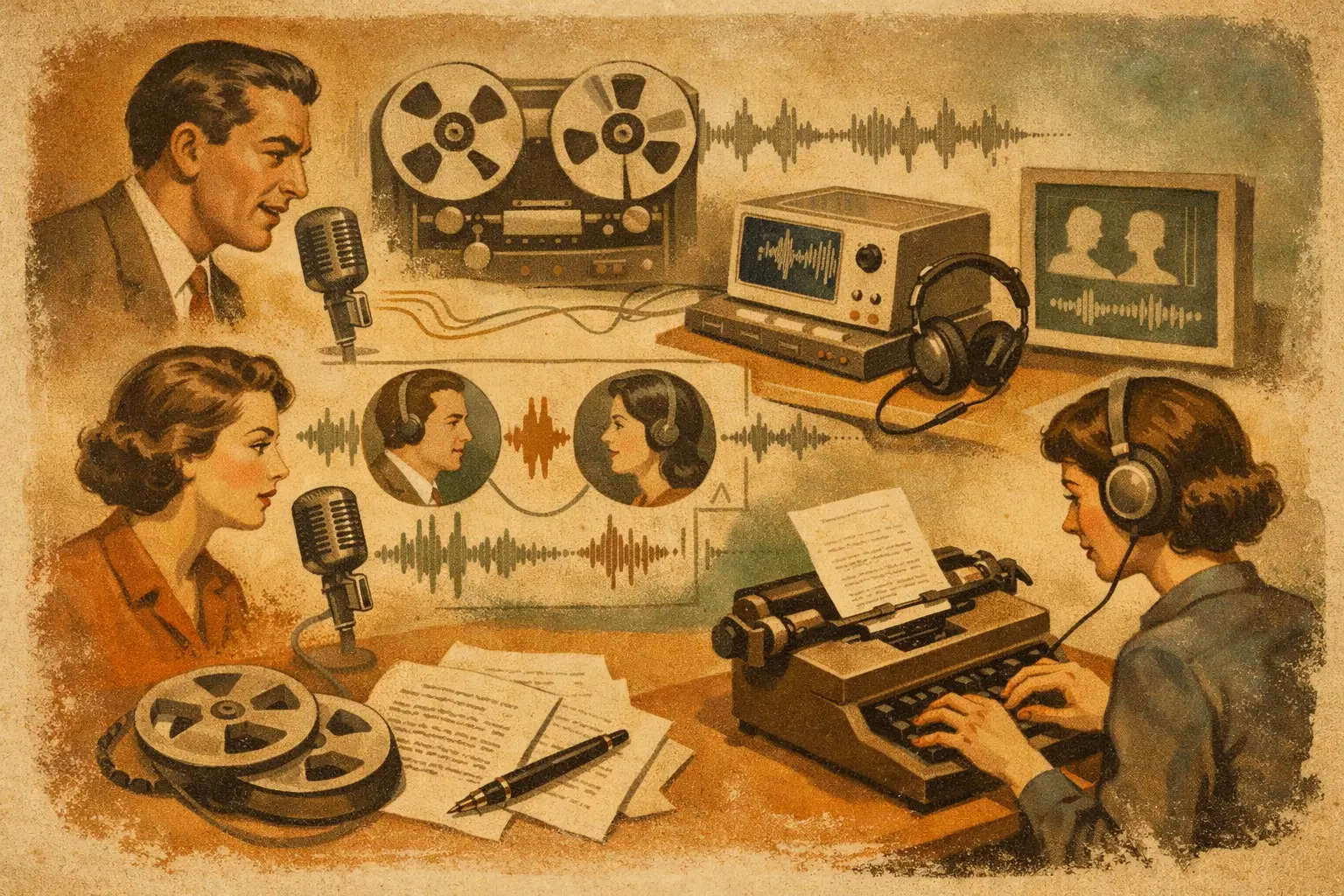
When a transcript labels every voice as Speaker 1, Speaker 2, Speaker 3 and then loses track halfway through, the problem is not transcription alone. It is structure. Speaker diarisation transcription software matters because professionals rarely work with one clean voice on one clean recording. They work with interviews, meetings, coaching calls, research sessions and panel discussions where knowing who said what is often just as important as the words themselves.
For journalists, researchers, consultants and teams, diarisation turns raw speech-to-text into something usable. A transcript with speaker separation is faster to scan, easier to verify and far more useful when you need to quote accurately, write up findings or revisit a decision from last Tuesday’s call. Without that layer, even a fairly accurate transcript can still create extra admin.
What speaker diarisation transcription software actually does
Speaker diarisation transcription software identifies changes between speakers and assigns separate labels within the transcript. In simple terms, it detects that one person has stopped and another has started. That sounds straightforward, but in practice it is dealing with accents, interruptions, background noise, poor microphone placement and people talking over one another.
The goal is not merely to split audio into blocks. It is to produce a transcript that reflects the shape of a real conversation. If you are reviewing an interview, that means you can quickly distinguish interviewer from contributor. If you are checking a team call, you can identify who raised a risk, who approved a task and where the discussion changed direction.
This is where diarisation earns its place in a professional workflow. It reduces ambiguity. That has obvious value for editorial and research work, but it also matters for compliance, internal documentation and client reporting.
Why speaker diarisation transcription software saves real time
Most people think the main benefit is cleaner formatting. The larger benefit is reduced review time.
A long transcript without reliable speaker separation forces you to listen back repeatedly. You end up scrubbing through audio just to confirm attribution. On a 45-minute interview, that can mean another 20 minutes of correction. On a day with six calls, it becomes a serious drag on output.
Good diarisation changes the economics of transcription. Instead of treating the transcript as a rough draft that needs heavy repair, you can use it as a working document almost immediately. You scan sections faster, correct fewer attribution errors and extract key points with less effort. For professionals who work with spoken information every day, that difference compounds quickly.
There is also a practical quality benefit. When speakers are clearly separated, summaries tend to be more reliable, action points are easier to trace and bookmarks make more sense in context. The transcript becomes a tool for decisions rather than just an archive.
Where diarisation works well, and where it struggles
No serious provider should pretend diarisation is perfect in every condition. Performance depends heavily on the source audio.
Single-speaker dictation is easy. Two-person interviews with decent microphones are usually straightforward. Small meetings with orderly turn-taking can also work well. Accuracy tends to drop when three things happen at once: multiple people interrupt each other, audio quality is poor, and speakers sound similar.
A recorded panel in a noisy room is harder than a remote interview on headsets. A coaching session with one participant speaking softly while walking outdoors is harder than a desk-based consultation. If your work involves highly dynamic conversations, you should expect some manual review. That is normal. The point of good software is not to eliminate human judgement altogether. It is to remove the bulk of repetitive correction.
This is why professionals should look beyond headline accuracy claims. The real question is how well the system performs on the kind of audio you actually produce.
What to look for in speaker diarisation transcription software
The first requirement is obvious: speaker separation needs to be dependable enough that you are not fixing labels line by line. But that should not be the only test.
Speed matters. If a transcript is ready in seconds rather than after a long queue, it is easier to use it while the conversation is still fresh. That is valuable for post-interview write-ups, same-day meeting notes and fast-moving client work.
Editing matters too. Even strong diarisation will sometimes need correction, so the review process should be efficient. You should be able to scan timestamps, amend text, adjust labels and export without turning transcript review into a separate project.
Then there is security. This is often treated as a footnote, but for many organisations it is a buying criterion. If your recordings contain interviews, internal business discussions, research subjects or client calls, you need clear answers on retention, account security and where processing takes place. Privacy-conscious transcription software should make these controls explicit rather than burying them in vague assurances.
For that reason, teams often prefer platforms built for working environments rather than consumer dictation. Features such as browser-based live transcription, file upload support, summaries, bookmarks and controlled exports are useful because they fit how professionals actually handle spoken information from start to finish.
A practical workflow for professional users
The best diarisation software fits into a simple workflow. You capture live speech or upload audio or video. The transcript appears quickly with timestamps and speaker labels. You review key passages, correct any obvious attribution issues, mark important sections, and export the final text into your reporting, publishing or admin process.
That may sound basic, but the value is in how little friction it creates. A journalist can move from interview to quotes without transcribing by hand. A researcher can review respondent answers by speaker and theme. A consultant can turn a discovery call into clear notes and follow-up actions. A coach can revisit exact phrasing from a session rather than relying on memory.
For teams, the workflow also needs to support shared use. Pooled minutes, workspace access and consistent handling of files can matter as much as raw transcription quality. If several people rely on spoken records, central control becomes part of the productivity gain.
Why privacy changes the buying decision
If you work with sensitive material, speaker diarisation is not just a convenience feature. It sits inside a wider data handling process. That means the software choice affects risk as well as efficiency.
Professionals increasingly ask where audio is processed, whether account protection includes two-factor authentication, how long files are retained and whether customer content is used to train AI models. Those are sensible questions. A transcript can expose commercial information, personal data and unpublished material just as easily as the original recording.
In that context, privacy-conscious providers stand out by being specific. Clear retention windows, no model training on customer content and transparent processing locations are more useful than broad claims about trust. Endaxi Scribe is one example of this more disciplined approach, with security controls built around real business use rather than casual voice notes.
The trade-off between automation and control
There is always a balance to strike. More automation speeds up output, but professional users still need the option to review, correct and manage transcripts carefully.
That is especially true with speaker diarisation. Automatic speaker labels save time, yet some sessions will still need human checking. The right software respects that reality. It should get you close enough that editing is light, not hide behind the idea that AI can resolve every messy conversation perfectly.
This is also why usability matters. If corrections are awkward, every small diarisation mistake becomes expensive. If the editor is fast and the transcript is structured well, occasional fixes do not disrupt the wider workflow.
Choosing software that fits your work
The best choice depends on your recording environment and your tolerance for review. A solo creator may prioritise speed and export options. A research team may care more about speaker clarity and data governance. A consultancy may want a balance of live transcription, uploaded file handling and workspace controls.
What does not change is the core requirement: software should help you move from spoken conversation to usable text with less effort and less uncertainty. Speaker diarisation is central to that. It is the difference between having a transcript and having a transcript you can work from.
If your days involve interviews, meetings or recorded discussions, a well-structured transcript is not a nice extra. It is what lets you act on the conversation while the detail still matters. Choose software that treats speed, clarity and control as part of the same job.