
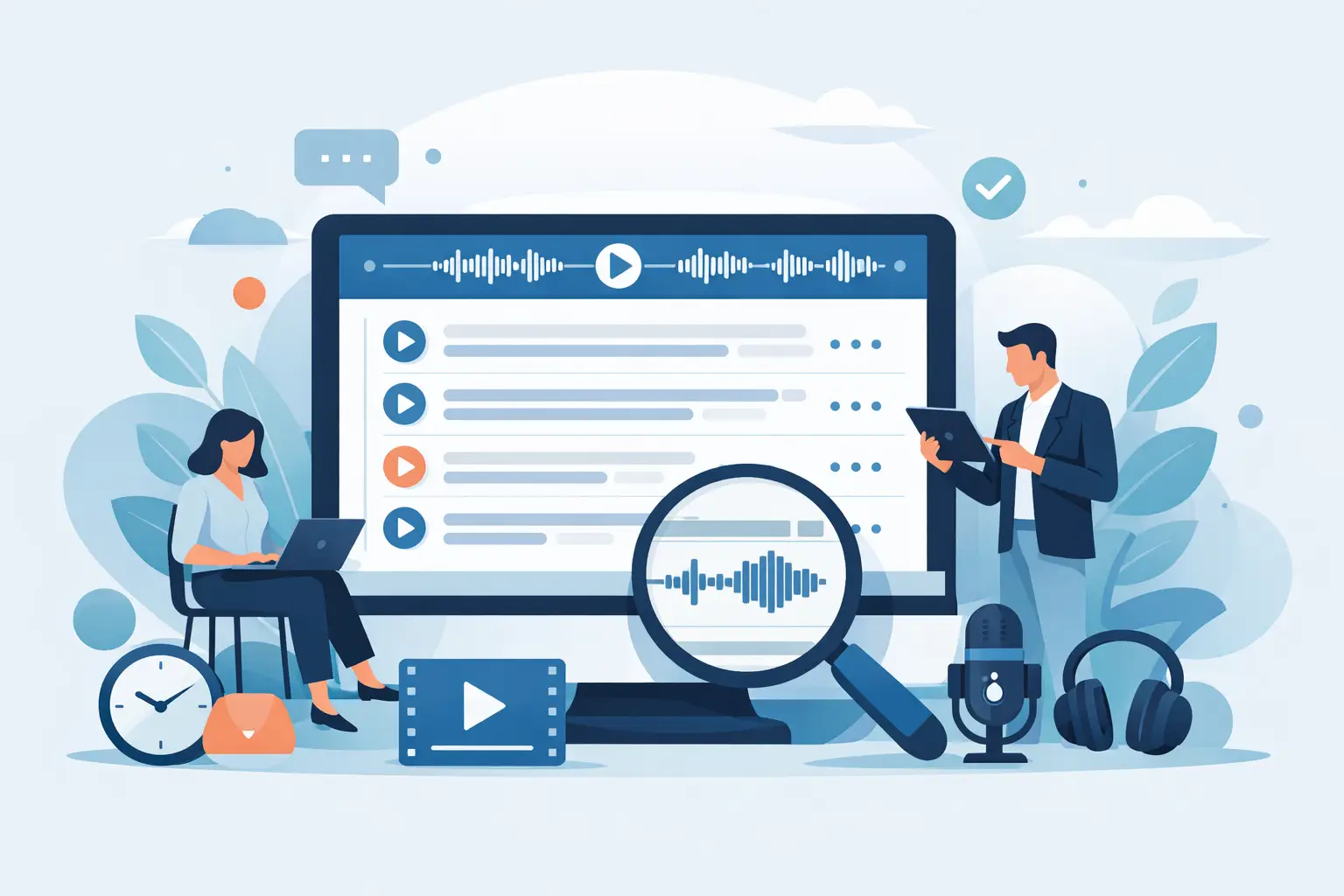
A transcript is only useful if you can get back to the exact moment that matters. If you are reviewing a 90-minute interview, checking a client call, or pulling a quote from a workshop, plain text is rarely enough. Timestamped transcript software solves that problem by pairing spoken words with precise time markers, so you can move from transcript to source audio without wasting time.
For professionals who work with recorded conversations every week, that changes the job. Journalists can verify quotes quickly. Researchers can trace themes back to original evidence. Consultants can review stakeholder interviews without replaying full recordings. Coaches can revisit key moments in a session. Creators can find the strongest clips for editing. The gain is not theoretical. It is practical, daily time saved and fewer details missed.
What timestamped transcript software actually does
At a basic level, timestamped transcript software converts speech into text and assigns timings to the output. Those timestamps may appear every few seconds, at speaker changes, or at paragraph level depending on the tool and settings. The better systems make those timestamps useful rather than decorative.
That means you should be able to click a line of text and jump straight to that moment in the recording. You should be able to see who spoke, edit the transcript without breaking the timing structure, and export the result in a format that still works for the task in hand. If the software only gives you a wall of text with occasional timecodes dropped in, it is not doing enough for professional use.
The strongest platforms also support both live transcription and uploaded files. That matters because spoken work does not happen in one tidy format. You may need real-time notes for a meeting this morning and a full transcript of a recorded interview this afternoon. Handling both in one place keeps the workflow simpler.
Why timestamps matter more than most teams expect
Many people think they need transcription when what they actually need is retrieval. The real bottleneck is not getting words onto a page. It is finding the exact section that supports a report, clarifies a decision, or confirms what someone said.
Timestamps turn a transcript into working documentation. They give structure to long conversations and make review far quicker. Instead of scrubbing through an audio bar and guessing where a topic came up, you search the transcript, find the section, and check the source immediately.
This is especially useful when accuracy matters. In journalism, legal-adjacent work, research, and consulting, you often need to verify context rather than rely on a rough memory or a partial note. A timestamp gives you a direct route back to the primary material.
It also improves collaboration. When teams share transcripts internally, timestamps let colleagues refer to exact passages without ambiguity. “See 14:32” is more useful than “somewhere in the middle”. That sounds minor until several people are reviewing the same meeting or interview under time pressure.
The features that make timestamped transcript software worth using
Accuracy is the obvious starting point, but it is not the whole decision. Even a fairly accurate transcript becomes expensive if it is hard to review, hard to trust, or hard to manage securely.
Speaker diarisation is one of the first things to look for. If your work involves interviews, meetings, coaching sessions, or panel discussions, you need the software to distinguish between speakers with reasonable consistency. Without that, review slows down quickly.
Editing matters as well. Spoken language is messy. People repeat themselves, stop halfway through a thought, and speak over one another. Professional users need to clean transcripts for quoting, analysis, record-keeping, or client delivery. Good software lets you do that without turning the transcript into a disconnected block of text.
Search and bookmarks are equally important. In real workflows, people return to transcripts days or weeks later. Search helps you find topics, names, and decisions. Bookmarks help you mark sections that need follow-up, clipping, or approval.
Summaries can be helpful, but they should sit behind the transcript rather than replace it. A summary is useful for orientation. The timestamped transcript remains the record. If a platform pushes abstract summaries while making source review awkward, it is not built for serious spoken work.
Privacy and control are not optional
This is where many buyers should be more demanding. Transcript software often handles commercially sensitive discussions, research interviews, personal data, and unpublished material. Convenience matters, but governance matters too.
A privacy-conscious platform should be clear about where processing happens, how long data is retained, whether customer content is used to train AI models, and what controls users have over access. These are not niche procurement questions. They affect day-to-day risk.
For small teams as well as larger organisations, two-factor authentication, defined retention windows, and transparent processing practices are signs that the product is designed for work rather than casual consumer use. If you cannot tell where your data goes or what happens to it after upload, that is a warning sign.
This is especially relevant in UK and EU business settings where data handling expectations are stricter and clients ask more questions. A transcript may look like plain text, but the underlying conversation can contain strategy, health information, financial details, or identifiable personal comments. Software choice should reflect that reality.
Who gets the most value from timestamped transcript software
Journalists and researchers are obvious users because they routinely work with interviews and need traceable source material. Timestamps help them quote accurately, revisit context, and reduce the time spent replaying recordings.
Consultants and internal teams benefit in a slightly different way. Their problem is often documentation after the fact. Calls, workshops, and stakeholder meetings produce useful information, but someone still has to turn it into actions, notes, and reports. Timestamped transcripts reduce that admin burden and make handovers cleaner.
Coaches and consultants who work one-to-one often use transcripts to identify patterns, commitments, and recurring issues across sessions. Podcasters and content teams use them to find edit points, pull snippets, and build written assets from spoken material.
The common thread is not industry. It is repeated exposure to spoken information that needs to be captured, reviewed, and reused.
How to assess timestamped transcript software in practice
Start with your actual workflow. Do you need live transcription, uploaded file processing, or both? Are you mostly handling one-to-one interviews, team meetings, or multi-speaker recordings? Do you need exports for editing, reporting, or archiving? The right choice depends on those details.
Then test the review experience. Can you move easily between transcript and audio? Can you correct errors quickly? Are timestamps consistent enough to be useful? If it takes too many clicks to verify a phrase, the software will slow you down even if the transcription quality is decent.
Check the security position next. Look for clear statements on retention, authentication, model training, and processing location. These details should be easy to find and easy to understand.
Finally, consider whether the tool is built for individuals only or can support shared work. Many professionals start alone and later need colleagues to access transcripts, share minute allowances, or collaborate in a common workspace. It is better to choose software that can support that change without forcing a complete switch later.
A platform such as Endaxi Scribe is designed around that professional reality: fast browser-based transcription, timestamped outputs, speaker separation, editing, summaries, bookmarks, exports, and explicit privacy controls for users who need more than casual dictation.
When a simpler tool may be enough
Not every use case needs a full professional platform. If you are transcribing short personal voice notes with no privacy concerns and no need to revisit source audio, a lightweight dictation tool may be fine.
But once your work depends on traceability, speaker separation, team use, or secure handling of sensitive material, the gap becomes obvious. The cost of using the wrong tool is usually paid in review time, missed details, and avoidable risk rather than in the subscription itself.
That is the real test for timestamped transcript software. It should not just produce text. It should help you find what matters, trust what you are reading, and keep control of the material you work with every day. Choose the tool that makes spoken information easier to use tomorrow morning, not just easier to upload today.