
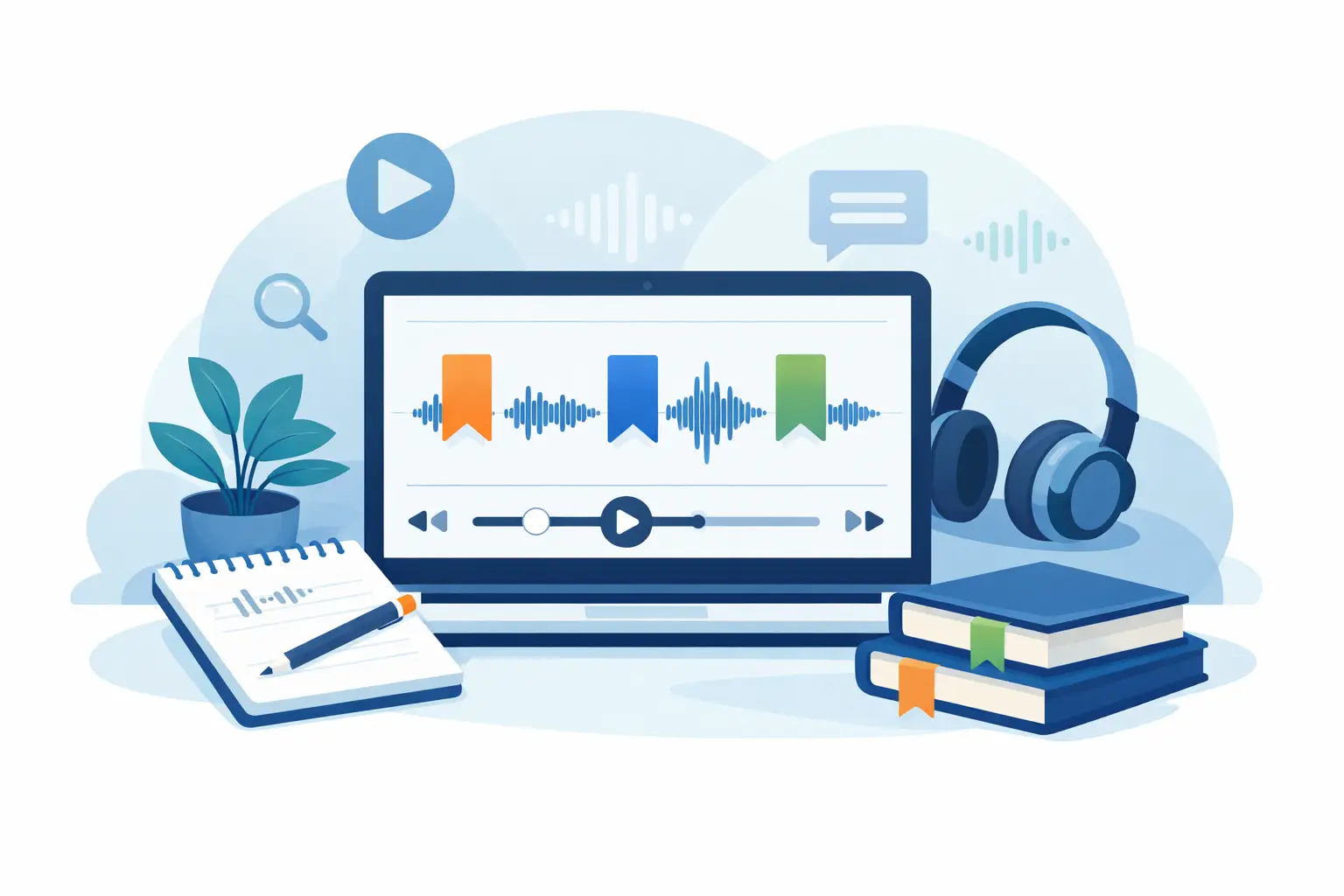
If you are still scrubbing through a 90-minute recording to find one quote, one action point, or one objection from a client call, the issue is not just transcription speed. It is retrieval. Transcription software with bookmarks solves that problem by turning long audio and video into working documents you can return to with precision, not guesswork.
For professionals who work with interviews, meetings, calls, coaching sessions, or recorded content, that distinction matters. A transcript on its own is useful. A transcript with bookmarked moments is operationally better. It helps you capture key sections as they happen, revisit them quickly during review, and move from conversation to output with less manual effort.
Why bookmarks matter in transcription software
Most spoken work is not consumed from start to finish after the fact. Journalists need the exact answer to one question. Researchers need to compare repeated themes across interviews. Consultants need the moment a stakeholder changed direction. Coaches need to return to a specific commitment. Podcasters need the clean clip-worthy section, not the whole raw session.
That is where bookmarks earn their place. They create fixed reference points inside the transcript and the underlying media. Instead of relying on memory, rough timestamps in separate notes, or a second document full of reminders, you mark the important moment once and return to it when needed.
The gain is practical. Review is faster. Editing is more focused. Handovers are cleaner. If several people need to use the same transcript, bookmarks also reduce ambiguity because everyone can work from the same marked sections.
What good transcription software with bookmarks should actually do
Not every bookmark feature is equally useful. In some tools, bookmarks are little more than basic labels with limited workflow value. In a professional setting, they need to support the way people review spoken information under time pressure.
At minimum, the software should let you create bookmarks against live transcription or uploaded files, place them at precise points in the conversation, and return to those points without hunting around. Timestamps should be clear, and transcript editing should not break the link between the marked section and the original moment in the recording.
It also helps if bookmarks sit alongside speaker identification, editable transcript text, and export options. A bookmark on its own is a flag. A bookmark inside a structured transcript is a usable work record.
For business users, there is another factor that is often missed in feature comparisons: data handling. If your recordings include interviews, commercial discussions, research calls, patient-adjacent conversations, HR meetings, or client material, the bookmark feature needs to live inside a platform that treats the full transcript and source audio appropriately. Security controls, retention settings, account protection, and clarity on where processing happens are not secondary concerns. They are part of whether the software is fit for professional use.
Where bookmarks make the biggest difference
The value of bookmarks becomes obvious in longer sessions, but they are just as useful in shorter recordings when the stakes are high.
In journalism, bookmarks help you tag quotes, claims that need fact-checking, off-record transitions, and moments worth revisiting for tone. Instead of keeping parallel notes while interviewing, you can focus on the conversation and mark the points that matter.
In research, bookmarks support thematic review. You can flag repeated attitudes, emotional reactions, or moments tied to a discussion guide. That reduces the friction between transcription and analysis, especially across multiple interviews.
For consultants and small teams, bookmarks are often most useful in meetings and client calls. You can mark decisions, risks, next steps, and unresolved issues while the conversation is live or during a quick review straight afterwards. That makes follow-up documentation quicker and more accurate.
Coaches and advisers use bookmarks differently. They often need to revisit turning points in a session, agreed actions, or recurring blockers. A bookmarked transcript makes reflection more structured and cuts down the time spent replaying whole sessions.
Creators and podcasters gain a similar advantage. Bookmarks can identify strong clips, topic transitions, sponsor mentions, retakes, and sections to cut. The transcript becomes part of production, not just documentation.
Live transcription versus uploaded files
Whether you need live transcription or file upload depends on how you work. If you are in interviews, calls, or meetings all day, live transcription with bookmarks can reduce note-taking immediately. You mark the key moment as it happens and return to it later. That is especially helpful when the conversation moves quickly and you cannot afford to pause.
If you mainly work from recorded material, uploaded files may be enough. You still get the benefit of bookmarks during review, but you apply them after the session rather than during it. This can suit researchers, producers, and teams processing batches of recordings.
There is no single right model. Some organisations need both. The better question is whether the platform supports a smooth workflow from capture to review to export without forcing you into separate tools.
The trade-off between features and simplicity
There is a common mistake in software selection: assuming more features automatically means a better workflow. In practice, transcription software with bookmarks should reduce effort, not add another layer of admin.
If bookmarks are buried behind too many clicks, require manual syncing, or become difficult to manage at scale, users stop relying on them. The best implementations feel straightforward. Mark the moment, label it if needed, return to it quickly, and use it in context.
That said, simplicity should not come at the expense of control. Professional users often need transcript editing, clear timestamps, speaker diarisation, summary support, and export formats that suit reporting or collaboration. The balance is important. Too little structure and the transcript remains messy. Too much complexity and the tool slows people down.
Privacy is part of the buying decision
For consumer dictation, convenience often dominates. For professional transcription, privacy and governance belong much earlier in the evaluation.
If a platform processes sensitive speech data, you need to know how that data is handled, whether customer content is used for AI model training, what retention options are in place, and where processing occurs. Many buyers leave those questions until late, then realise the feature set looked stronger than the data controls.
That is why professional teams increasingly favour platforms built for accountable use rather than casual convenience. A useful bookmark feature is valuable. A useful bookmark feature inside a system with two-factor authentication, explicit retention windows, and clear processing boundaries is far more credible for day-to-day business work.
This is one reason Endaxi Scribe is relevant to buyers comparing tools in this category. It combines browser-based live transcription and file uploads with bookmarks, transcript editing, summaries, export options, and clear data governance designed for professional environments.
How to assess transcription software with bookmarks
When comparing options, it helps to test the workflow against real work rather than a feature checklist. Upload a genuine meeting recording or run a live session. Mark three or four moments you know you will need later. Then check how quickly you can return to them, edit around them, and produce something useful from the transcript.
Look closely at timestamp accuracy and speaker handling. A bookmark is only as useful as the transcript around it. If speakers are confused or the text requires heavy correction, retrieval becomes slower.
Then assess what happens after review. Can you export in a format your team can actually use? Can several people work from the same transcript? Are minutes or usage limits realistic for your volume? If you are sharing access, pooled allowances and workspace controls may matter more than the headline per-user price.
Finally, verify the trust layer. Check authentication, retention, processing location, and whether your content is used to train external models. For many organisations, those points are not legal fine print. They are selection criteria.
A working transcript should help you act
The best transcription software with bookmarks does more than convert speech to text. It helps you isolate what matters, revisit it quickly, and turn spoken material into decisions, analysis, content, or documentation without wasting time on replaying recordings.
That matters because most professionals are not trying to archive audio for its own sake. They are trying to get from conversation to outcome while keeping records accurate and sensitive material under control. Bookmarks are a small feature on paper, but in practice they often determine whether a transcript becomes a tool you use or a file you ignore.
If your current process still depends on memory, scattered notes, and too much scrubbing through recordings, it is worth choosing software that treats retrieval as part of transcription rather than an afterthought. The time you save is only half the benefit. The other half is being able to trust that when a key moment matters, you can find it straight away.