
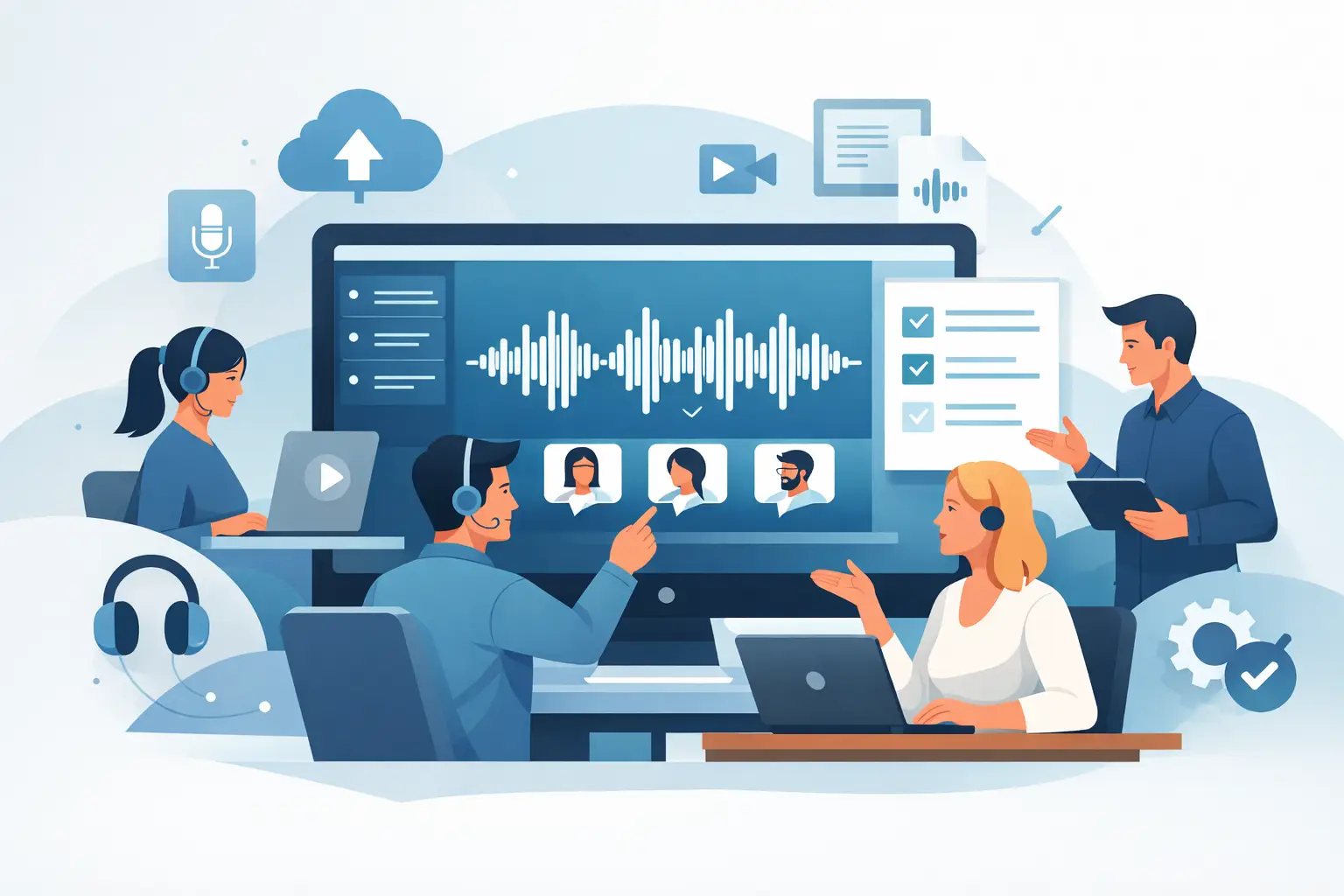
A missed quote in an interview, an unclear action point from a client call, or a coaching session buried in a long recording can all turn into wasted time later. That is where team transcription workspace software earns its place. It gives people who work with spoken information a shared, structured way to capture speech, turn it into usable text, and keep the result accessible to the right colleagues.
For professional teams, transcription is rarely a solo task. A journalist may record an interview, an editor may review the transcript, and a producer may pull key sections for publication. A researcher may run multiple interviews across a project team. A consultancy may need call notes, summaries and audit trails across several client accounts. In each case, the real requirement is not just transcription. It is coordination.
What team transcription workspace software is really for
At a basic level, transcription software converts speech into text. A workspace adds the operational layer that teams actually need. That means shared access, pooled usage, clear ownership, organised files, transcript editing, and export options that fit business workflows rather than one-off dictation.
The difference matters. If every person records audio locally, uploads it to different tools, and stores transcripts in separate folders, the team still ends up doing manual admin. Files get duplicated. Versions drift. Sensitive material is forwarded around by post or messaging apps. Search becomes unreliable because no one knows where the final transcript lives.
A proper team transcription workspace software setup reduces that friction. One place to upload files or transcribe live. One place to review speaker-labelled text. One place to mark important moments, correct names, generate summaries and pass on the output.
That is especially useful for teams handling recurring spoken content such as interviews, meetings, coaching calls, research sessions, podcasts and internal briefings. When volume increases, structure matters more than raw transcription accuracy alone.
The features that make a shared transcription workspace useful
Speed is the first expectation. If transcripts are not ready quickly, people go back to note-taking and rough memory. Fast turnaround keeps the transcript inside the actual workflow, whether that means post-interview write-up, client follow-up, content editing or research coding.
But speed on its own is not enough. A team workspace also needs dependable speaker diarisation, because teams often work from interviews and multi-person calls rather than a single speaker dictation file. Knowing who said what is the difference between a useful transcript and a wall of text.
Editing matters for the same reason. Spoken language is messy. Professionals need to fix names, trim filler, standardise terminology and prepare text for quoting or internal documentation. The transcript should be easy to review without exporting it immediately into another application.
Bookmarks and timestamps are equally practical. In long recordings, the value is often in specific sections rather than the full transcript. A researcher may need the point where a participant changed their view. A consultant may need the exact minute a client approved a next step. A producer may need the strongest quote from a 45-minute conversation. Timestamps turn a transcript into a navigable record.
Export options are the final part of day-to-day usability. Teams do not all work in the same format. Some need plain text for reports. Some need formatted documents for client records. Some need subtitles or structured outputs for publishing and content workflows. Good software does not force one downstream process.
Team transcription workspace software and privacy
For many professional users, privacy is not an extra feature. It is part of the buying decision.
Teams working with interviews, commercial discussions, employee conversations or research material need clarity on what happens to their files and transcripts. If that information is vague, the risk sits with the customer. A serious platform should state where processing happens, how retention works, whether customer data is used for AI model training, and what account protections are available.
This is where team transcription workspace software differs sharply across the market. Some tools are designed for convenience first and enterprise control second. That may be acceptable for casual use. It is less acceptable when recordings contain source material, confidential client discussions, commercially sensitive planning, or participant data.
For UK teams in particular, practical governance questions come up quickly. Where is the data processed? Are there clear retention windows? Can administrators control access? Is two-factor authentication standard or hidden behind a higher tier? The right answer depends on your work, but the principle is consistent: if spoken information matters enough to transcribe, it matters enough to protect.
When a team workspace is better than single-user tools
A solo transcription app can be enough if one person records occasional voice notes and exports text for personal use. Once multiple people contribute, edit or rely on the same transcript pool, cracks start to show.
The first issue is visibility. Managers and collaborators need to know what has been uploaded, what has been processed and what still needs review. The second issue is cost control. Separate individual plans often create waste, especially when usage varies month to month. Shared workspaces with pooled minutes tend to fit better because they reflect how teams actually consume transcription capacity.
The third issue is consistency. Different team members should not have to invent their own way of naming files, storing outputs and sharing finished transcripts. A workspace creates a standard path from recording or upload through to review and export.
That consistency has a direct effect on output quality. Journalists can find quotes faster. Researchers can code interviews more efficiently. Consultants can produce cleaner meeting records. Coaches can revisit exact moments in a session instead of relying on partial notes. Creators can move from raw conversation to edit-ready text with less delay.
How to assess the right software for your team
Start with your core workflow rather than a feature checklist. If your team captures live conversations, real-time browser transcription may matter more than batch processing. If you mostly work from recorded interviews or meetings, file upload speed and transcript review tools may matter more.
Next, look at collaboration in practical terms. Can several people work within the same workspace without confusion? Can usage be shared sensibly? Is it straightforward to separate projects or clients? Does the system help your team stay organised, or does it simply generate text and leave the rest to you?
Then assess output quality in context. Absolute word accuracy is not the only measure. You also need useful speaker separation, readable formatting, quick editing and reliable timestamps. A slightly more accurate transcript with a poor review experience can be less useful than a strong overall workflow.
Security should be assessed just as directly. Read the data handling position carefully. Serious providers explain it in plain language. You should not need to infer whether your content is used to train external models or whether recordings are retained indefinitely.
Finally, consider adoption. The best team software is not the system with the longest feature page. It is the one people will actually use under time pressure. If it is browser-based, quick to start, and easy to understand, your team is more likely to use it consistently.
Where the real return comes from
The return on transcription software is often framed as time saved from typing. That is only part of the picture.
The bigger gain is reduction in friction after the conversation ends. Teams spend less time searching recordings, replaying sections, piecing together notes and checking who said what. Documentation improves because the transcript is available quickly and can be edited while the context is still fresh. Knowledge is easier to share because it is no longer trapped inside an audio file.
That matters across roles. Journalists can move faster from interview to draft. Researchers can keep projects organised at scale. Client-facing teams can produce clearer records and follow-ups. Coaches can track patterns across sessions. Creators can turn spoken material into articles, clips or show notes without starting from scratch.
A platform such as Endaxi Scribe fits this model best when the requirement is not casual dictation but professional transcription with workspace controls, clear retention rules and a strong privacy position. That combination matters when teams need both speed and confidence in how their spoken data is handled.
The trade-offs to keep in mind
No software choice is universal. Smaller teams with low volume may prioritise entry cost over workspace depth. Larger teams may need stricter controls, longer audit expectations or wider admin oversight. Some users want live transcription first. Others care more about uploaded media, summaries or export flexibility.
There is also a balance between convenience and governance. Consumer-style tools may feel quick at first, but if they create uncertainty around data handling or require too many workarounds for collaboration, the short-term ease can become long-term inefficiency.
The practical test is simple. If your team regularly works from speech and needs a reliable shared record, a dedicated transcription workspace is no longer a nice extra. It is part of the operating system for the work itself.
Choose software that respects that reality. Fast transcripts are useful. Fast transcripts that your team can trust, review and act on are what make the difference.