
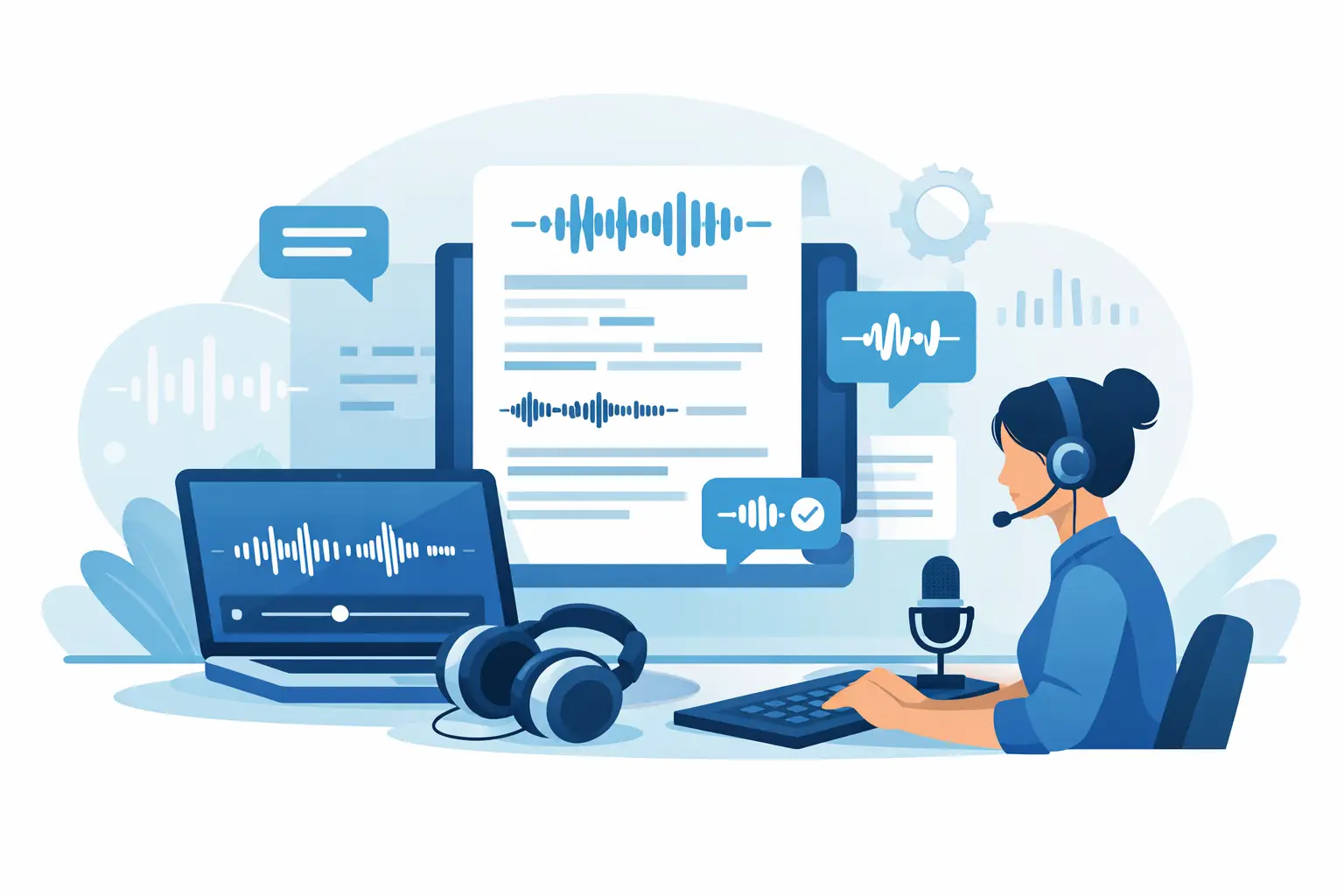
If you regularly leave interviews, meetings or coaching calls with half-written notes and a long recording to sort through later, a professional transcription software guide is not a nice-to-have. It is a practical way to protect detail, reduce admin and keep spoken information usable while work is still moving.
The problem is not simply turning speech into text. Plenty of tools can do that at a basic level. The real question is whether the software fits professional work: live conversations, sensitive material, multiple speakers, deadlines, and the need to find the right quote or decision point without replaying 47 minutes of audio.
What professional transcription software should actually do
Good transcription software should shorten the path from spoken conversation to usable output. That means the transcript needs to appear quickly, be readable enough to work with, and include structure that helps you act on it. Raw text alone is rarely enough.
For most professional users, the core workflow starts in one of two places. Either you need live transcription while a conversation is happening, or you need to upload a recorded audio or video file and get a transcript back quickly. In both cases, the transcript should not arrive as a wall of text. Timestamps, speaker labels and an editor matter because they turn transcription from a passive record into a working document.
This is where consumer dictation tools often fall short. They may be fine for short personal notes, but professional users usually need more control. A journalist needs to verify quotes. A researcher needs to tag key findings. A consultant needs an accurate record of client discussions. A coach needs to revisit exact wording and action points. The software has to support those outcomes directly.
A professional transcription software guide to the features that matter
Accuracy is still the first filter, but it is not the only one. In practice, speed, structure and governance often matter just as much.
Live and file-based transcription
Some teams only work from uploaded recordings. Others need live browser-based transcription for calls, interviews or workshops. If your work includes both, choosing a platform that covers both use cases saves time and avoids splitting data across multiple tools.
Live transcription is especially useful when notes need to be captured in the moment. You can follow the conversation, mark important moments and avoid the usual scramble afterwards. File upload matters when you are processing recorded interviews, webinars, podcasts or meeting archives at scale.
Speaker diarisation and timestamps
If more than one person is speaking, speaker diarisation is not a luxury feature. It is the difference between a usable transcript and a frustrating one. Without speaker separation, even a fairly accurate transcript becomes harder to trust and harder to quote from.
Timestamps serve a similar purpose. They let you jump back to the source audio, check phrasing and find key sections quickly. For anyone handling interviews, legal-adjacent discussions, research sessions or editorial work, that audit trail is valuable.
Editing, bookmarks and summaries
Professionals rarely export a transcript untouched. You usually need to clean names, fix terminology, mark decisions or pull out action points. A built-in transcript editor saves time because the review process stays close to the source.
Bookmarks are useful when a conversation runs long. Instead of scrubbing through audio later, you can flag key moments during or after transcription. Summaries help too, but they should support the transcript, not replace it. A summary gives you the shape of the conversation. The transcript gives you the exact detail.
Export options and team access
A transcript only becomes useful when it fits into the rest of your workflow. That may mean exporting for reporting, editorial production, research coding or client documentation. Flexible export matters because different teams need different outputs.
If several people work from the same recordings, shared workspaces and pooled usage can make the software easier to manage. Otherwise, transcripts end up scattered across personal accounts and local folders, which creates obvious operational and compliance problems.
Privacy is not a side issue
Any serious professional transcription software guide has to address privacy properly. If your recordings include interviewees, clients, internal discussions or commercially sensitive material, security cannot be treated as a footnote.
Start with the basic questions. Where is data processed? How long is it stored? Can you control retention? Is two-factor authentication available? Does the provider use customer content to train AI models? If the answers are vague, that is usually a sign that the product was not built with business use in mind.
This is one of the clearest dividing lines between casual and professional tools. Professional users need explicit controls, not assumptions. A provider that sets out retention windows, supports account security properly and states clearly that customer content is not used for model training is giving you something more valuable than convenience. It is giving you operational certainty.
For UK organisations and professionals working with sensitive interviews, internal meetings or participant research, data location also matters. If processing happens within the EU and avoids US data transfers, that may simplify internal approval and reduce risk, depending on your policies.
How to choose the right tool for your work
The best choice depends on the shape of your workload. A solo podcaster and a research team may both need transcription, but their operational needs are not identical.
If you mainly record one-to-one interviews, prioritise transcript readability, timestamps, speaker labels and fast turnaround. If you run client calls all day, live transcription and reliable note capture will matter more. If you work in a team, look closely at shared access, minute allocation and account controls.
It is also worth thinking about failure points rather than feature lists. What usually slows your team down now? Manual note-taking during calls, delayed documentation, difficulty locating key quotes, uncertainty about who said what, or concerns about where recordings end up? The right software should remove those specific points of friction.
Price matters, but only in context. A cheaper tool that produces messy transcripts, weak speaker separation or unclear data handling may cost more in staff time and risk. Equally, paying for enterprise-level complexity you do not need is not efficient either. The practical test is whether the software saves enough time and avoids enough administrative drag to justify itself quickly.
What a good workflow looks like
In most professional settings, the cleanest workflow is straightforward. You capture live speech in the browser or upload an audio or video file. The transcript is ready in seconds or shortly after processing, depending on the length and format. You review the text, correct any obvious names or specialist terms, bookmark key moments, and use the summary for quick orientation.
From there, the transcript becomes a working asset. A journalist pulls verified quotes. A consultant extracts actions and decisions. A coach reviews patterns across sessions. A researcher identifies themes and exports material for analysis. A creator turns spoken content into show notes, articles or clips.
That is the real value. Transcription is not the end product. It is the shortest route to a cleaner downstream process.
Why professional users are moving away from manual notes
Manual note-taking has not disappeared, but its role has changed. In fast conversations, notes are selective by definition. You write what seems important at the time, and that means you often miss phrasing, nuance or the one comment that becomes relevant later.
A transcript gives you a fuller record while freeing you to stay present in the conversation. That matters in interviews, sales discussions, advisory work and coaching, where attention is part of the job. When you are not splitting focus between listening and typing, you tend to ask better follow-up questions and make better decisions in the moment.
That shift also improves consistency. Instead of each person keeping notes in their own style, the team works from a shared source. That makes handovers easier and reduces the risk of key details being buried in someone else’s notebook or memory.
A platform such as Endaxi Scribe is built around that reality: fast transcription, structured outputs and explicit control over how sensitive spoken data is handled. For professionals, that combination matters more than novelty.
The most useful test is simple. If a transcript can help you act faster, search less, document properly and keep control of sensitive material, it is already doing more than transcription. It is taking spoken work seriously.