
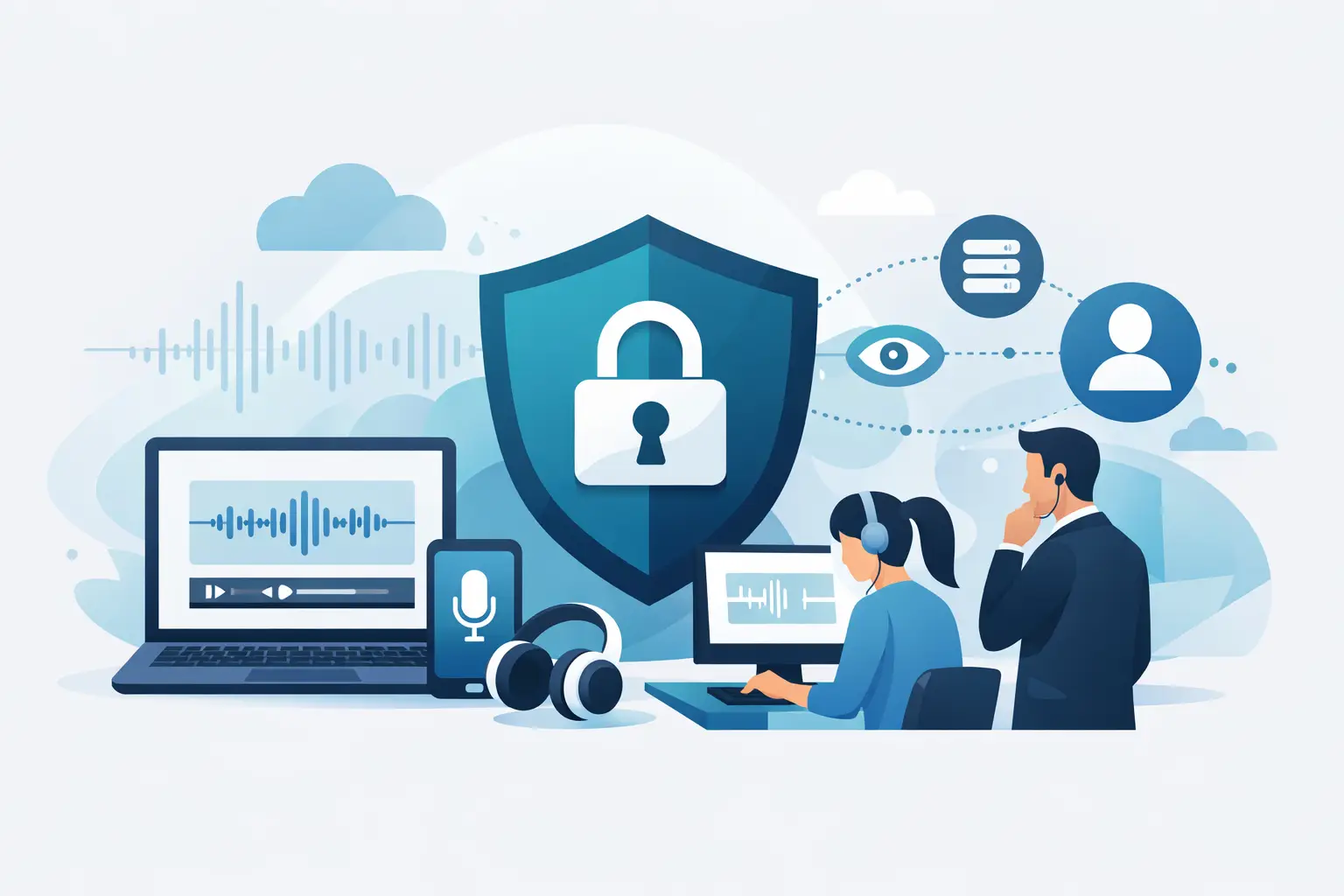
A recorded client call can contain more than a conversation. It may include commercial plans, personal contact details, health information, unpublished research or a source speaking off the record. So, is transcription private? The honest answer is: it depends on the service, its settings and the way your organisation uses it.
Transcription turns speech into a searchable working record quickly. That is useful for interviews, meetings and research, but it also creates a responsibility. Before you upload a file or start a live session, you should know where the audio goes, how long it remains there, who can access it and whether it may be used beyond producing your transcript.
Is transcription private by default?
Not always. Privacy is not a feature you can assume from the word “transcription”. A consumer dictation tool, a meeting assistant and a professional transcription platform may all process audio very differently.
Some services retain recordings for an open-ended period. Some use customer content to improve their models unless you opt out. Others send data through providers in several countries, give workspace administrators broad access, or allow users to share transcripts with a public link. None of these approaches is automatically wrong, but they change the privacy position significantly.
For professional use, private transcription should mean more than an unreadable privacy policy. It should mean clear, operational answers: your files are protected during transfer and storage; access is limited; retention is defined; and your content is not repurposed for AI training without your explicit agreement.
A transcript may also be more sensitive than the original recording in some contexts. Audio takes time to review. Text can be searched, copied, exported and forwarded in seconds. Treat the transcript as sensitive information in its own right.
What happens when you upload audio?
Most cloud transcription services follow a similar workflow. Your browser or app sends the recording to the provider’s systems. An AI speech-recognition service processes the sound, producing text and often timestamps, speaker labels or a summary. The platform then stores the resulting files so you can review, edit and export them.
The key privacy questions sit inside those steps. Is data encrypted while travelling between your device and the platform? Where is it processed? Is the AI provider a subcontractor? Does a human ever review the recording? Are recordings, transcripts and summaries stored separately? What is deleted when a retention period ends?
Processing location matters, particularly for UK and EU organisations handling personal data. If audio is transferred outside the UK or European Economic Area, there may be additional contractual and legal safeguards to consider. A provider should state this plainly rather than leaving customers to infer it from generic terms.
Endaxi Scribe, for example, processes AI workloads in the EU and states that customer content is not used to train AI models. It also applies explicit retention windows, giving professionals a clearer basis for deciding how long working material should remain available.
Privacy is shared between the platform and the user
A secure transcription provider cannot solve every privacy issue on its own. The person recording or uploading content still decides whether they have a legitimate reason to process it and whether participants need to be informed.
For a journalist, that may mean agreeing recording arrangements with an interviewee and applying extra care to source material. For a consultant, it may mean confirming that call recording is covered by the client engagement. For a researcher, it may involve consent procedures, participant information and a retention schedule approved by the institution.
The legal basis will vary by situation. Do not rely on a transcription tool to supply one. A platform processes the content on your instruction; it does not replace your responsibilities around consent, confidentiality, data minimisation or subject access requests.
There is also a practical question: do you need the whole recording? If a short dictated note will do, do not upload an hour-long call. If names are unnecessary for analysis, remove or replace them. Fewer personal details mean less exposure if an account is shared incorrectly or a file is retained longer than intended.
The controls that make transcription more private
Privacy claims are most useful when they translate into controls you can inspect and use. Look for the following in a transcription service:
- Clear retention windows for audio, transcripts and deleted items, with a way to remove content before the default deadline.
- A commitment that customer audio and text are not used to train general AI models.
- Strong account security, including two-factor authentication, rather than a password-only login.
- Encryption in transit and at rest, plus documented access controls for the provider’s own staff.
- Processing-location information and a transparent list of relevant sub-processors.
- Workspace permissions that allow teams to share useful material without making every transcript visible to everyone.
These safeguards have trade-offs. Short retention reduces the amount of data held by the provider, but it also means you need a reliable archive for records you must keep. Tight permissions reduce accidental access, but colleagues may need a clear process for requesting files. The right setting is the one that supports the work without retaining sensitive material by habit.
Watch the features around the transcript
The transcription engine is only one part of the privacy picture. Search, summaries, bookmarks, exports and sharing options can all change who sees the information and how easily it moves.
Take summaries seriously. A concise summary can bring together decisions, risks or personal details that were scattered across a long discussion. It should have the same access rules as the transcript. Likewise, speaker diarisation can make a conversation far more useful, but it links statements to identifiable people. That may be appropriate for an internal project meeting and inappropriate for anonymised research notes.
Exports deserve a defined workflow. Once a transcript is downloaded as a document, spreadsheet or subtitle file, the transcription platform can no longer control its storage. Save it in an approved location, avoid personal devices where policy prohibits them, and remove local copies when they are no longer needed.
Be cautious with public sharing links. They are convenient for reviewing content with an editor, client or collaborator, but convenience can create a weak point. Use named access where possible, set expiry rules if available, and check who can view a link before sending it on.
Questions to ask before choosing a provider
A good privacy assessment does not require you to be a security specialist. Ask direct questions and expect direct answers. Where is audio processed and stored? Is any content used for training? Can staff access recordings, and under what conditions? How do you delete an account and its data? Which controls are available to every user, not just enterprise customers?
For teams, also ask how ownership works. If an employee leaves, can the organisation retain necessary transcripts without retaining a former employee’s personal account? Can an administrator manage membership without reading confidential material? Are pooled minutes and shared workspaces designed with role-based access in mind?
Read the provider’s retention policy alongside its product settings. A promise to delete data is less useful if you cannot tell whether deletion covers source audio, transcript text, summaries, backups and shared copies. Exact timings matter.
A practical workflow for sensitive recordings
Before recording, tell participants what will happen and use the minimum information required. During the session, avoid stating passwords, bank details or other information that should never enter a recording. After transcription, review the text promptly, correct names or speaker labels where needed, and remove sections that do not need to be retained.
Then put the transcript where it belongs. A regulated client record may need an approved document system. A journalist’s sensitive interview may need a restricted project folder. A routine internal meeting might only need a short retention period and a decision summary. Matching storage and retention to the purpose is more effective than applying one rule to every file.
Privacy-conscious transcription should let spoken work become useful without turning every conversation into permanent, poorly governed data. Choose a provider that is specific about its controls, configure those controls deliberately, and keep only the record your work genuinely requires.