
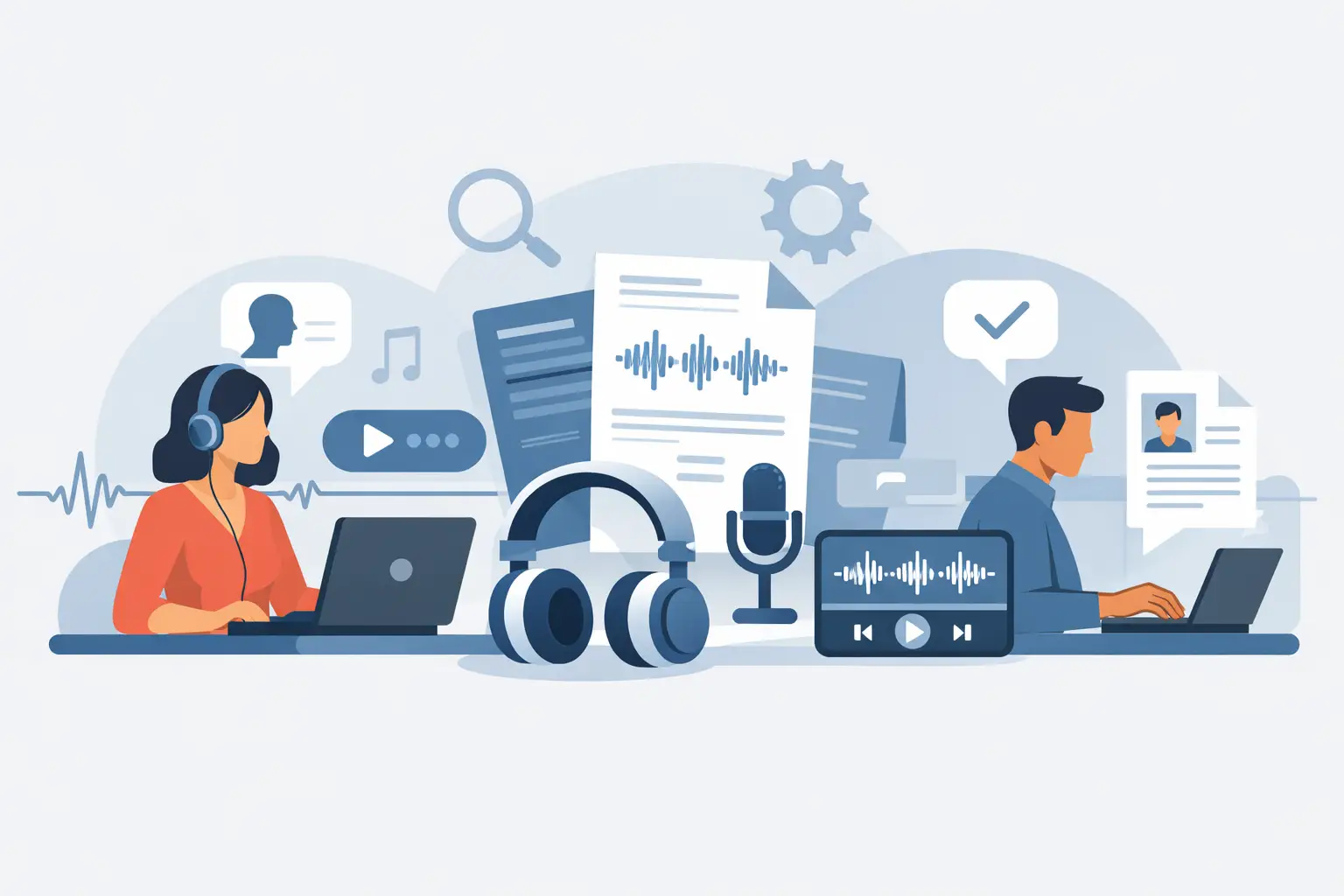
A one-hour interview can create several hours of avoidable work. You replay a section to catch a quote, pause to identify who spoke, then search again when a colleague asks where a key point was made. A professional interview transcription service changes that workflow by turning the recording into a searchable, structured record while the conversation is still fresh.
That matters whether you are preparing a news story, analysing research interviews, documenting a client discovery call or producing a podcast. The aim is not simply to convert speech into text. It is to create a reliable working document that helps you find evidence, review decisions and share material without repeatedly returning to the original file.
What an interview transcription service should do
The basic job is straightforward: upload an audio or video recording, or transcribe live speech, and receive text. For professional use, however, the useful result needs more context than a plain block of words.
A good transcript preserves the order of the discussion, marks where speech occurs and separates contributors where possible. It should be ready quickly enough to support the next stage of work, not arrive after the deadline has passed. It should also remain editable, because interviews contain names, specialist terminology, acronyms and moments where a human check is the sensible final step.
The strongest services therefore combine automated transcription with practical review tools. Timestamps let you move from a line of text back to the exact moment in the recording. Speaker diarisation distinguishes speakers, helping you assess who made a statement rather than merely what was said. Search, bookmarks and exports turn a transcript from a stored file into a usable project resource.
For many professionals, the question is not whether automation can produce a first draft. It can. The question is whether the service gives them control over that draft, the source file and the information it contains.
Accuracy depends on the recording and the task
No interview transcription service can treat every recording alike. A quiet, one-to-one interview recorded with close microphones will usually produce a cleaner transcript than a panel discussion in a café, a video call with unstable connections or a field interview with traffic in the background.
Accents, overlapping speech, industry language and poor microphone placement all affect results. This is not a reason to avoid automated transcription. It is a reason to build a realistic review step into your process, especially when a quote will be published, used in research findings or included in a formal record.
Start with the best source material you can reasonably capture. Ask participants to avoid speaking over one another, use a dedicated microphone where practical and record in a quieter room. If you are interviewing remotely, encourage each participant to use headphones and a stable connection. Small improvements at the recording stage often save more time than extensive editing later.
Accuracy should also be judged against the purpose of the transcript. A researcher coding themes may need every response and hesitation represented faithfully. A consultant documenting actions from a stakeholder interview may need a clean, readable record with clear ownership. A journalist may use the transcript to locate passages quickly, then verify direct quotations against the audio. The correct level of editing depends on the consequences of getting a detail wrong.
Clean transcripts are not always verbatim transcripts
A verbatim transcript includes false starts, repeated words and verbal fillers. It can be necessary for certain research, legal or analytical requirements, where the way something was said carries meaning.
For routine business use, a lightly cleaned transcript is often more useful. Removing obvious fillers and correcting clear recognition errors makes the text easier to scan without changing the speaker’s meaning. The important point is to decide the standard before sharing the document, rather than allowing different team members to make inconsistent edits.
Look for features that reduce review time
Speed matters, but a transcript delivered in seconds only creates value if it is easy to work with afterwards. Focus on the features that remove repetitive administration.
Timestamped text is essential for long recordings. It lets you verify an important statement without scrubbing through an hour of audio. Speaker labels help interviewers, editors and researchers follow the exchange, particularly when several people contribute. A built-in editor allows corrections in one place rather than forcing you to download a file, amend it elsewhere and lose the connection to the recording.
Summaries can help teams orient themselves quickly, but they should not replace the source transcript when precision matters. Use a summary to identify themes, actions or likely follow-up points. Return to the timestamped conversation for wording, context and attribution.
Bookmarks are equally practical. Mark the moment a participant describes a problem, provides a strong quote or agrees to a next step. When several colleagues need access, these markers reduce the need for messages such as, “Can you find the section where they discussed pricing?”
Finally, check the available export formats. A transcript may need to move into a research repository, editorial workflow, client report or internal knowledge base. Exporting should support that process without trapping your work in a single platform.
Privacy is part of transcription quality
Interviews regularly contain material that should not be treated as disposable data: personal experiences, commercial plans, research participation, employee feedback or client information. A convenient tool is not enough if its data practices are unclear.
Before uploading recordings, establish where audio and transcript data are processed, how long they are retained and who can access them. You should also know whether customer content is used to train AI models. These are operational questions, not fine print, particularly for organisations handling personal data or confidential client work.
For UK and European teams, EU-based processing and no US data transfers may be relevant to internal governance and supplier assessments. Clear retention windows are useful because they allow teams to decide how long recordings remain available rather than leaving sensitive material stored indefinitely by default. Two-factor authentication should be standard for accounts that hold interview material, especially when workspaces are shared.
Endaxi Scribe is designed around these controls, with EU-based AI processing, explicit retention periods, two-factor authentication on every plan and no training of AI models on customer content. That approach supports a simple principle: your audio, your transcript and your control.
Build a repeatable interview workflow
The most effective use of transcription starts before the interview begins. Create a consistent process for naming recordings, identifying participants and deciding where the final transcript will be stored. This reduces confusion when a project includes multiple sessions or researchers.
After the interview, upload the recording or use live browser-based transcription where appropriate. Once the transcript is ready, make a focused first pass: correct participant names, check technical terms, review speaker labels and bookmark important sections. Do not try to perfect every sentence before you know what the document is for.
Next, use the transcript according to the job at hand. Journalists can flag quotations for audio verification. Researchers can tag recurring themes and compare responses across sessions. Consultants can extract actions, risks and unresolved questions. Coaches can revisit language, commitments and progress points without relying on memory alone.
If the transcript will be shared externally, review it for confidentiality and context first. Automated text can reproduce a statement accurately while still requiring human judgement about what should be circulated. That final responsibility remains with the interviewer and their organisation.
When live transcription is the better option
Live transcription is useful when notes are needed immediately after a call or workshop. It allows you to track discussion points as they arise and create bookmarks without waiting for an upload to complete. For interviews that require close listening and rapport, however, some people prefer to record first and review afterwards, rather than monitor a live screen.
There is no single correct method. Use live transcription for fast operational follow-up, and uploaded recordings when the conversation needs careful capture, editing or production work.
Choose for the work that happens after the interview
The cheapest service is not necessarily the most economical if you spend hours correcting text, locating quotes or managing access to sensitive files. Equally, a feature-heavy platform is unnecessary if you only need occasional, low-risk notes. Match the service to the volume, sensitivity and downstream use of your interviews.
Ask whether it handles your typical recording conditions, produces timestamps and speaker labels, supports efficient editing and gives you clear data controls. Then test it with a real interview rather than a polished sample clip. The useful measure is simple: how quickly can you move from a recorded conversation to confident, usable work?
A transcript should leave you with more attention for the person you interviewed and the decisions that follow, not another administrative task waiting at the end of the day.