
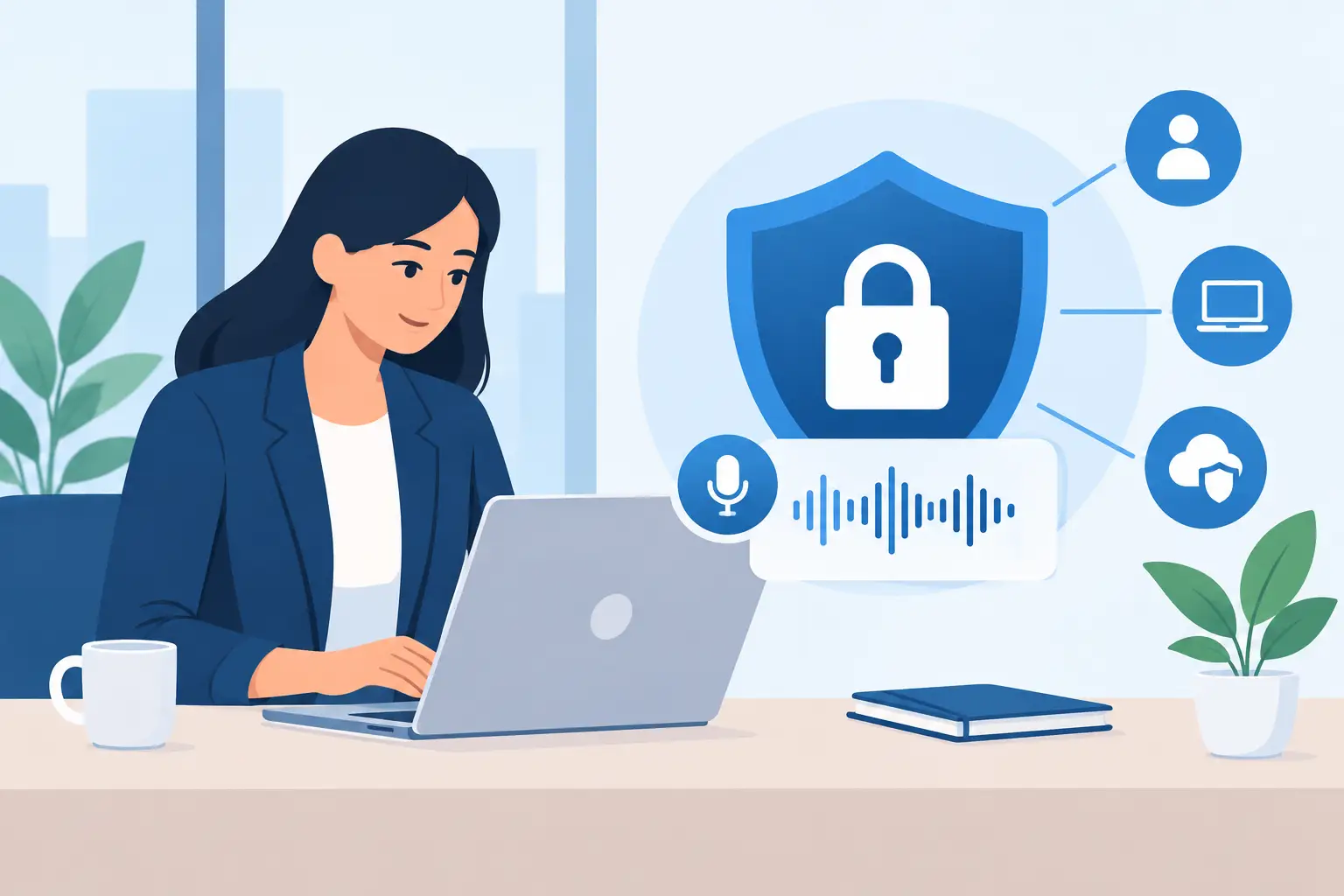
A transcription account can hold far more than audio files. It may contain client interviews, research recordings, meeting notes, coaching sessions, source material and the searchable text created from every conversation. Knowing how to protect transcription accounts is therefore not just an IT task. It is part of handling professional information responsibly.
The practical risk is rarely a dramatic technical failure. More often, it is a reused password, an account left signed in on a shared device, a former contractor who still has workspace access, or a transcript retained long after the work is complete. The controls below address those everyday gaps without making transcription harder to use.
Start with the account, not the recording
Security begins before the first file is uploaded. A secure transcription platform can protect data in transit and at rest, but account-level controls determine who can actually view, download, edit or share that data.
Use a unique, long password for your transcription account. A password manager is usually the simplest option because it creates and stores strong credentials without encouraging people to reuse familiar phrases. Avoid using a password that has appeared on another work tool, personal email account or social platform. If that separate service is breached, reused credentials can give an attacker a direct route into your transcripts.
For individual professionals, this may feel like basic housekeeping. For a team, it should be a clear rule. Shared logins may appear convenient when several people need access to the same recordings, but they remove accountability. You cannot tell who accessed, changed or exported a transcript, and you cannot remove one person without changing access for everyone.
Turn on two-factor authentication
Two-factor authentication, often called 2FA or MFA, should be standard for any account containing recordings or transcripts. It requires a second proof of identity, usually through an authenticator app, alongside the password. That means a stolen password alone is not enough to enter the account.
Authenticator apps are generally preferable to SMS codes where available. Text messages can be exposed through SIM-swap fraud or intercepted when a phone number is compromised. Keep backup recovery codes somewhere secure, such as an approved password manager or protected company records, rather than in an unencrypted notes app.
There is a small trade-off: 2FA adds a few seconds when signing in and can create friction when someone replaces a phone. That friction is minor compared with the cost of exposing a confidential interview or a sensitive internal meeting. Endaxi Scribe provides two-factor authentication on every plan, so the same basic account protection is available whether you work alone or in a shared workspace.
Protect transcription accounts through access control
Not everyone involved in a project needs access to every recording. A researcher may need interview transcripts, while an administrator may only need billing visibility. A podcast editor may need a single episode, not the entire back catalogue. Apply the principle of least privilege: give each person the minimum access needed to complete their work.
Where your platform supports workspaces, use individual invitations rather than forwarding credentials. Assign roles deliberately and review them when a project changes. This is especially relevant for agencies, research teams and consultancies that bring in freelancers for a short assignment.
Access reviews do not need to become an elaborate monthly process for a small team. A sensible trigger-based approach often works better. Review access when someone joins, changes role, finishes a contract, leaves the organisation, or when a client engagement closes. Remove former users promptly rather than assuming they will no longer sign in.
Be equally careful with shared devices. Do not leave a browser session open in a meeting room, university lab, hot-desk area or home computer used by other household members. Sign out when the device is not under your control, and use device-level screen locks. If your browser offers to save passwords on a shared machine, decline it.
Treat recordings and transcripts as separate risks
A transcript can be easier to search, copy and distribute than the original audio. That makes it useful, but it also changes the risk. A person who would never listen through an hour-long confidential recording can locate a name, diagnosis, commercial figure or controversial remark in seconds with transcript search.
Set handling rules for both file types. Consider where recordings are captured, who uploads them, who can export them, and where exported versions are stored. If a transcript must be sent to a client or collaborator, use the approved business channel rather than downloading it to a personal device and forwarding it from an unmanaged email account.
For highly sensitive conversations, reduce the information collected at source where possible. Ask whether every part of a recording is necessary, whether names need to be spoken in full, and whether a recording can be shortened once the relevant discussion has ended. This is not a reason to avoid transcription. It is a reason to use it with the same care you would apply to any other professional record.
Set retention periods before files accumulate
Keeping every recording indefinitely is easy. It is also rarely necessary. The longer audio and transcripts remain available, the longer they can be accessed accidentally, requested in error or exposed through an account compromise.
Create a retention schedule that matches your work. A journalist may need to keep source material until publication and any editorial challenge period has passed. A consultant may retain project records for the agreed client period. A coach may need to follow professional obligations and client expectations. There is no single retention window that fits every profession.
What matters is making a conscious decision, documenting it, and applying it consistently. Delete recordings and transcripts that no longer have a legitimate business purpose. If you need an archived copy for contractual or legal reasons, place it in the approved storage location with appropriate access controls instead of leaving it in an active transcription workspace by default.
Before adopting a platform, check how long it retains uploaded content, whether you can control deletion, and what happens when an account or subscription ends. Clear retention settings give you greater control over the full lifecycle of the information you upload.
Check the provider’s data practices
Account protection is only one part of the picture. Your transcription provider also processes the content on your behalf, so its data practices should fit the sensitivity of your work.
Ask direct questions. Is customer content used to train AI models? Where is audio processed? Are there international transfers? How is data retained and deleted? Does the provider explain security controls in practical terms rather than relying on vague assurances?
The right answer depends on your organisation, clients and sector. A creator transcribing public interviews may accept a different level of risk from a researcher handling participant data or a consultant working with commercially sensitive discussions. The key is to make that decision before upload, not after a confidential file has already been processed.
Privacy-conscious processing also needs to be matched by user behaviour. A secure provider cannot prevent someone pasting a confidential transcript into an unapproved public AI tool, sharing an export with the wrong recipient, or giving their login to a colleague. Technology and working practice need to support each other.
Build a simple response plan
Even good controls cannot guarantee that nothing will go wrong. If you suspect unauthorised access, act quickly: change the account password, revoke active sessions if the platform allows it, confirm that 2FA is still under your control, and remove any unfamiliar workspace members or connected devices.
Then establish what may have been exposed. Check recent activity, identify the recordings or transcripts involved, and follow your organisation’s incident process. If client, participant or personal information is affected, involve the person responsible for data protection or security early. Delays tend to make both investigation and communication harder.
A short written procedure is enough for most small teams. It should state who reports an issue, who can remove access, where recovery codes are held, and who decides whether clients or affected individuals need to be contacted. Review it occasionally, particularly after team changes.
The best security process is one people can follow during a busy week. Use unique passwords, require 2FA, give each person their own access, remove it when work ends, and delete content when its purpose is complete. Those habits keep the speed of transcription where it belongs: in your workflow, not in the spread of sensitive information.