
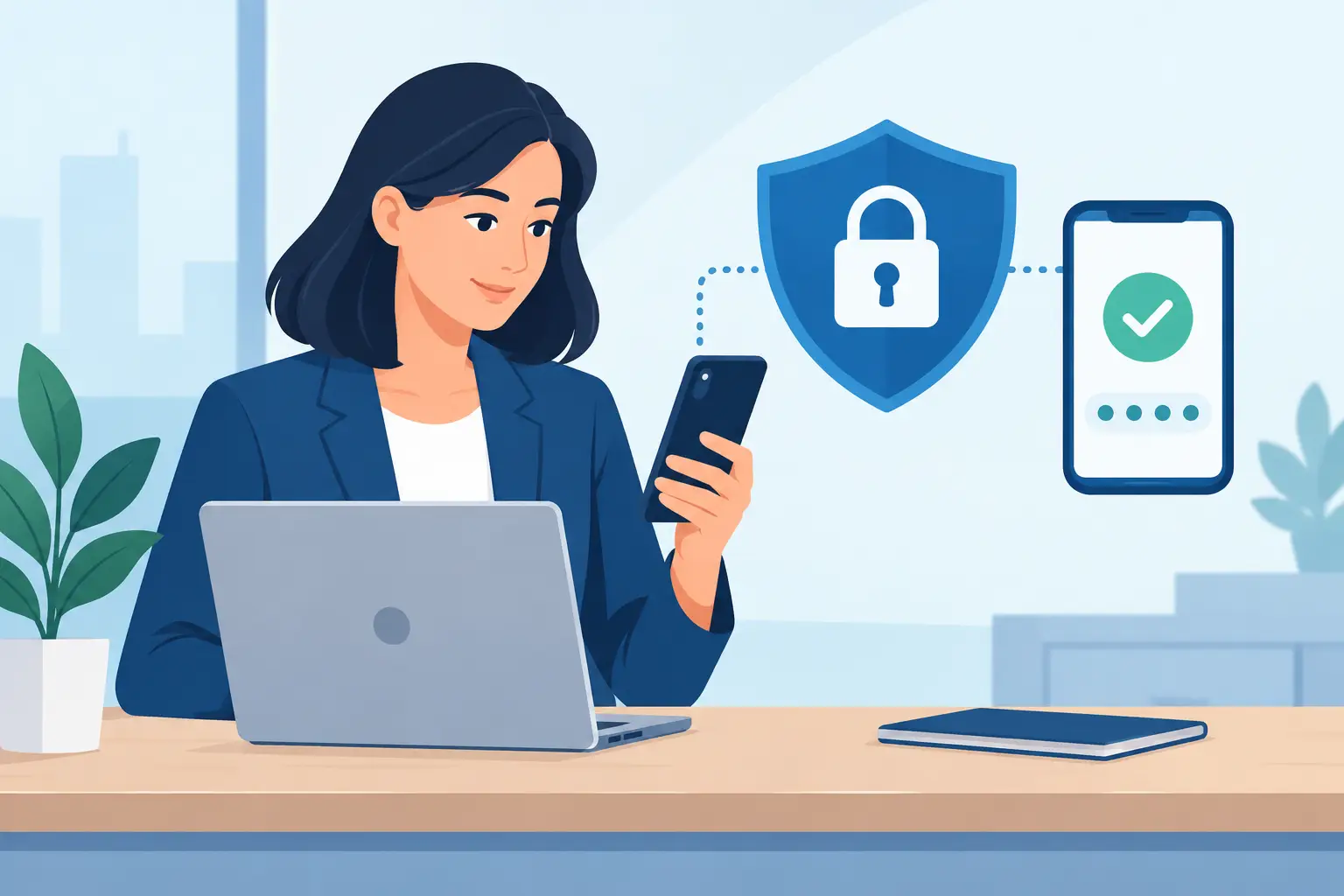
A password reset email can be easy to miss. By the time a journalist, consultant or researcher notices it, an attacker may already be inside the account that holds interview recordings, client calls and searchable transcripts. That is why using two-factor authentication is not merely an IT question. It is a practical decision about who can access your working record.
A password is a single secret. If it is guessed, reused from another breached service, captured by phishing, or shared carelessly, it can be enough to open an account. Two-factor authentication, commonly called 2FA, requires a second proof of identity before access is granted. That second step makes a stolen password far less useful on its own.
For professionals who work with spoken information, this matters. Audio and transcripts often contain names, commercial plans, personal experiences, research findings or decisions that have not yet been made public. Protecting that material starts with controlling access to the account where it is stored and processed.
Why use two-factor authentication for work accounts?
The clearest answer is simple: it adds another barrier between a criminal and your data. A password can travel without you knowing it. It may be exposed in a breach, entered on a convincing fake sign-in page, or copied from an unmanaged device. With 2FA enabled, the person attempting to sign in must also approve a prompt, enter a time-limited code, or use a physical security key.
That does not make an account invulnerable. Some phishing attacks are designed to capture both a password and a one-time code, and a user can still approve a fraudulent prompt if they are rushed or distracted. But 2FA removes the easiest route into an account: using a password alone. For the effort involved, it is one of the most effective controls available to individuals and small teams.
It also reduces the consequences of normal human behaviour. People reuse passwords despite knowing they should not. They choose memorable phrases. They sign in while travelling, on shared networks or from devices that do not have the same protections as a managed work laptop. Security should account for how work actually happens, rather than assume perfect habits.
The risk is not limited to the transcript itself
A compromised transcription account can expose more than a block of text. Depending on the service and the permissions granted, an intruder may be able to listen to source audio, download exports, search across historical material, view summaries and bookmarks, or access shared workspace content.
For a journalist, that could reveal a source’s identity or unpublished interview. For a consultant, it may expose a client discussion and the recommendations built from it. For a coach, it can involve sensitive personal conversations. A research team may lose control of recordings that contain participant data or commercially valuable findings.
There is also the operational cost. An account takeover can interrupt ongoing work while passwords are reset, access is reviewed and clients are informed where necessary. Teams may need to establish what was accessed, which files were downloaded, and whether shared folders or exports were affected. Preventing unauthorised entry is considerably easier than reconstructing events afterwards.
How the second factor works in practice
Two-factor authentication combines something you know, usually your password, with something you have or are. In most professional software, the second factor is an authenticator app that generates a short code, a push approval on a trusted device, or a hardware security key.
Authenticator apps are a strong, practical starting point for most people. They generate codes locally on your phone, rather than relying on text messages. SMS codes are better than no second factor, but they can be vulnerable to phone number takeover and interception. If your work involves particularly sensitive material, a hardware security key can provide added protection against many phishing attempts.
The right method depends on your risk and your working setup. A sole trader who works from one trusted device may find an authenticator app proportionate and convenient. A team handling confidential client material may choose security keys, documented recovery procedures and centralised access management. The key point is to use a method that people can maintain consistently.
2FA protects shared work as well as individual accounts
Transcription is often collaborative. One person uploads a meeting, another reviews speakers and wording, and a manager exports the final record. Shared workspaces save time, but they also make access control more consequential. One compromised team member can create a route into material they would not normally handle.
Every user should have their own account and their own second factor. Shared logins create an avoidable gap because there is no reliable way to establish who accessed the account, and access cannot be removed cleanly when someone changes role or leaves the organisation.
For team leads, 2FA is one part of a sensible access routine. Review who needs workspace access, remove former collaborators promptly, and give people only the permissions required for their role. The aim is not to slow down a deadline-driven team. It is to keep shared recordings and transcripts available to the people doing the work, and unavailable to everyone else.
Setting up 2FA without creating a recovery problem
The usual objection to two-factor authentication is not security. It is the fear of being locked out when a phone is lost, replaced or out of battery. That is a legitimate concern, and it is manageable with a little preparation.
Set up 2FA using an authenticator app you can access reliably. Store any recovery codes in a secure password manager or another controlled location, not in an unprotected notes app or the same inbox used to reset the account. If a platform allows more than one authentication method, consider registering a backup security key or a second trusted device.
For teams, decide in advance how access recovery will be handled. The process should identify who can verify an employee’s identity, what evidence is required, and how quickly access can be restored. Keep this process limited and documented. Recovery is necessary, but it should not become an easy bypass for the security measure itself.
Avoid approving unexpected sign-in prompts. If your phone asks you to confirm a login you did not initiate, deny it and change your password. Repeated prompts may indicate that somebody already knows the password and is attempting to get past the second factor through fatigue or confusion.
Passwords still matter
2FA is not a substitute for good password practice. Use a unique, long password for every work service, stored in a reputable password manager. If an attacker obtains your password, 2FA may stop them from signing in, but changing the password remains necessary.
Be cautious with sign-in pages as well. Phishing messages often create urgency: a storage limit has been reached, a document is waiting, or an account will be suspended. Rather than following the message link, open the service directly from your usual route and check the account there. This small habit prevents many credential theft attempts.
It also helps to keep browser extensions and devices under control. Install software from trusted sources, apply updates, and sign out of shared or public computers. Two-factor authentication works best as part of a disciplined approach, not as permission to ignore every other safeguard.
Security controls should support real work
Good security is visible at the moments that matter and unobtrusive the rest of the time. A short code or approval step at sign-in is a minor cost compared with manually transcribing a lost interview again, explaining an exposed client recording, or losing confidence in a shared research workspace.
For services that process sensitive speech, security should sit alongside clear retention settings, controlled access and transparent data handling. Endaxi Scribe includes two-factor authentication on every plan because account protection should not be reserved for organisations with the largest security budgets.
Set up 2FA before the next recording that you would not want a stranger to hear. It takes minutes, and it helps keep your audio, your transcript and your control where they belong.