
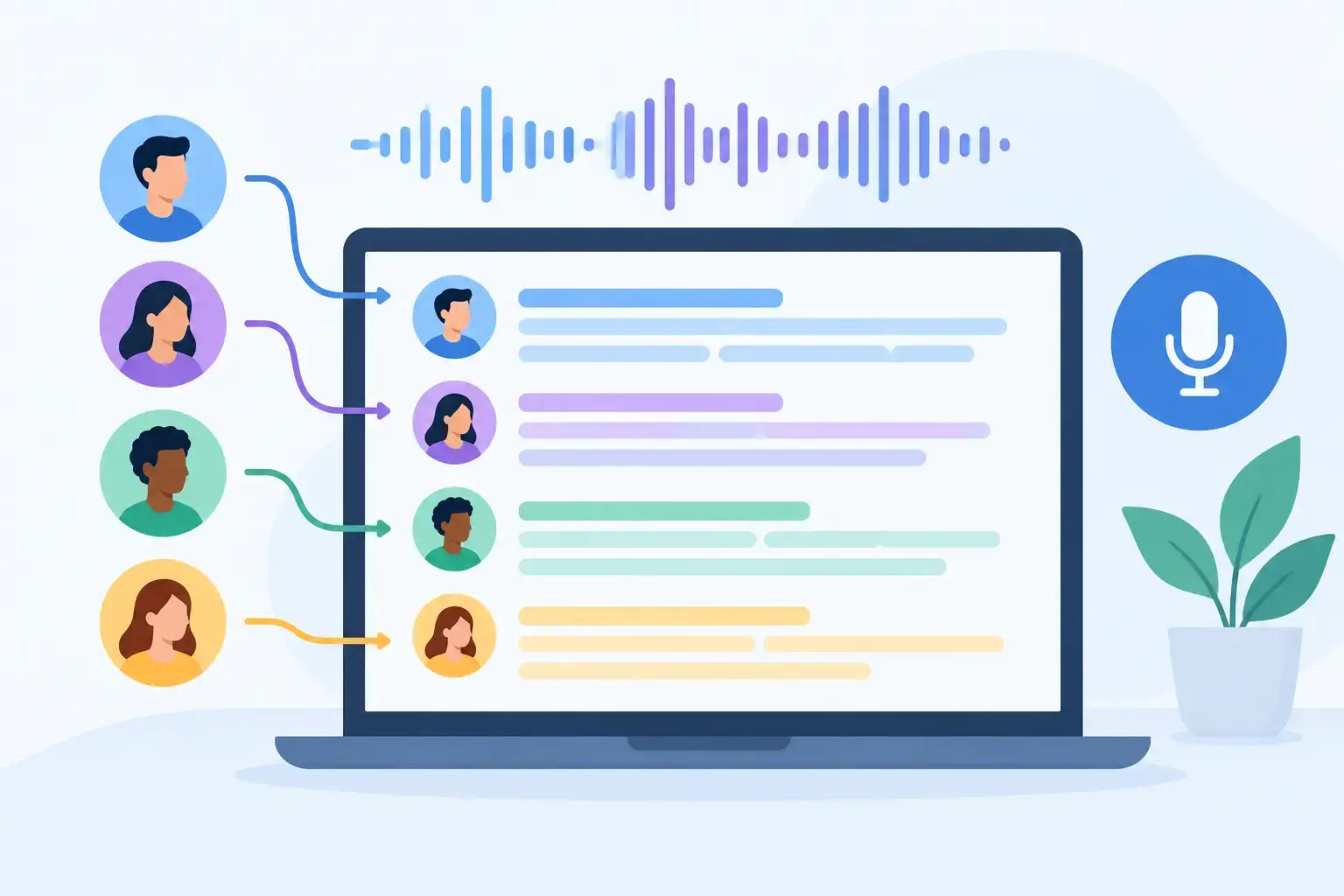
A one-hour interview with two unnamed voices is not a usable record. You can search the words, but you cannot quickly establish who made a claim, agreed to an action, or raised an objection. Learning how to tag speakers automatically turns a block of text into a working transcript that journalists, researchers, consultants and teams can review with confidence.
The underlying process is called speaker diarisation. It separates a recording into distinct voices and applies labels such as Speaker 1, Speaker 2 and Speaker 3. The most effective workflow is not to expect software to know every person’s name without context. It is to let diarisation do the time-consuming separation, then make a short, informed review to assign names and correct unclear passages.
What automatic speaker tagging actually does
Automatic speaker tagging analyses changes in voice characteristics across an audio file. It uses features such as pitch, cadence and vocal timbre to determine where one person stops speaking and another begins. The transcript is then divided into labelled turns, with timestamps preserved.
This is different from voice identification. Diarisation can usually determine that two voices are different, but it does not necessarily know that one of them is Priya Shah or the client’s finance director. For professional records, that distinction matters. Treat the initial labels as a structured first pass, rather than a final evidential record.
When the recording is reasonably clear, automatic tagging removes the most repetitive part of transcript preparation. Instead of listening through the whole file to mark every change of speaker, you review the labelled sections, rename each speaker and focus your attention where the audio is ambiguous.
How to tag speakers automatically: a practical workflow
Start with a recording that can be separated
Speaker tagging begins before transcription. A clear recording gives the system more evidence to distinguish voices. If you are recording in person, place the microphone centrally and keep it close enough to capture each participant without excessive room noise. For remote calls, ask participants to use headsets where possible and avoid joining multiple people through one laptop microphone.
Separate audio tracks can help, but they are not essential. A single recording of a well-managed interview or meeting can still produce useful diarisation. The harder cases are familiar: people interrupting each other, a group speaking across a room, background music, poor mobile reception, or one person speaking far more quietly than the others.
You should also capture a brief verbal introduction when practical. A simple opening such as, “I’m Sam, and I’m speaking with Amina,” provides a useful reference when you later rename Speaker 1 and Speaker 2. It is a small habit that saves time in review.
Upload or transcribe the conversation
Choose a transcription service that supports speaker diarisation for both uploaded files and, where needed, live transcription. Once the audio or video is processed, the transcript should show speech in distinct sections with timestamps and provisional speaker labels.
For a live meeting, automatic labels make it easier to follow the conversation as it develops. For recorded interviews, calls and research sessions, file upload is often the more controlled option: you can check the recording quality, process the full session and review the transcript when you are ready.
The priority is speed without losing control. A transcript that is ready in seconds is useful only if you can inspect, edit and export it in a format that fits the next stage of your work.
Identify the first clear speech turn from each person
Open the transcript and listen to a short segment from each provisional speaker label. Start with an unmistakable passage, such as a greeting, a self-introduction or a question directed at a named participant. Rename the label once you are confident.
For a one-to-one interview, this review may take only a minute or two. In a meeting with six people, confirm the most distinctive speakers first, then work through the remaining labels. You do not need to replay every word. Listen strategically at the beginning of a speaker’s turns and at sections where the subject or tone changes sharply.
Keep labels consistent. Use full names when the transcript will be shared externally or retained as a formal record. For internal working notes, role-based labels such as “Facilitator”, “Client” or “Participant 3” may be more appropriate, particularly where personal data should be minimised.
Review boundaries, overlaps and short interjections
Automatic speaker tags are strongest when people take turns. They are less certain when participants talk at the same time. A quick “yes”, laugh, agreement or interruption may be attached to the neighbouring speaker. This rarely affects the meaning of a casual discussion, but it can matter in an interview quote, research finding or meeting decision.
Review these sections carefully:
- moments where two people speak over one another;
- very short answers, acknowledgements and interruptions;
- a participant returning after a long period of silence;
- changes in recording quality, such as a call moving from a headset to speakerphone.
Correct the speaker label first, then edit the wording if necessary. Keeping those tasks separate reduces the risk of changing a speaker’s meaning while trying to tidy the transcript.
Use timestamps to verify important statements
A tagged transcript should remain connected to the original audio. Timestamps let you jump directly to a critical comment rather than scrubbing through a long recording. For journalists, this supports accurate attribution. For consultants and teams, it helps confirm who accepted an action or described a requirement. For researchers, it makes it easier to compare themes while retaining the context of each participant’s response.
If a statement will be quoted, reported or used in a decision, listen back before relying on it. Diarisation is a major time saver, not a substitute for professional judgement. The same applies where a person’s identity has legal, contractual or reputational significance.
When automatic tagging works well, and when it needs help
Automatic tagging performs well in interviews, coaching sessions, client calls, structured meetings and podcasts where voices are distinct and participants generally take turns. It can also handle many panel discussions, provided the recording is clean and speakers are not constantly interrupting.
It needs more careful review for focus groups, busy workshops, round-table discussions and recordings made in echoing rooms. Similar-sounding voices can be difficult to separate, especially when the sample of each voice is short. Accents do not prevent diarisation, but clarity and microphone quality remain important.
There is also a practical trade-off between speed and precision. If you need a usable meeting record quickly, provisional labels with a targeted review may be enough. If you are preparing publishable quotations, conducting sensitive research or documenting a disciplinary matter, allow more time to verify attribution against the audio.
Protect speaker data as carefully as the words
A transcript with names attached is more useful, but it can also be more sensitive. Speaker labels may reveal who attended a meeting, disclosed a health matter, shared commercial information or provided research evidence. That makes data governance part of the workflow, not an administrative afterthought.
Before uploading recordings, check where processing takes place, how long files and transcripts are retained, whether customer content is used to train AI models, and who can access the workspace. Apply the same care to exports. A PDF circulated by post or email can be harder to withdraw than a transcript kept in a controlled workspace.
Endaxi Scribe is designed for this kind of professional use, combining speaker diarisation with timestamped editing, exports and clear controls around retention and processing. The goal is straightforward: reduce transcription admin without asking you to give up control of sensitive conversations.
Build speaker tagging into your standard process
The best results come from making speaker review a normal part of post-call work. Record clearly, transcribe promptly, rename confirmed speakers, verify high-stakes passages and export only the version appropriate for the audience. Once that routine is in place, a long conversation stops being an audio file that someone must revisit from the beginning.
A well-tagged transcript gives every important statement an owner, a timestamp and a place in the record. That is what makes it useful long after the meeting has ended.