
A journalist finishes an interview with twenty pages of notes, a researcher leaves a focus group with three voices to untangle, and a consultant closes a client call needing actions immediately. In each case, file upload versus live transcription is not simply a feature choice. It changes when the record becomes useful, how much attention is available during the conversation, and where sensitive audio sits while it is processed.
Both approaches turn speech into searchable text. The right choice depends on whether the work needs to happen while people are still talking or after the recording is complete. For many professionals, the most effective workflow uses both deliberately rather than treating one as a replacement for the other.
What changes between file upload and live transcription?
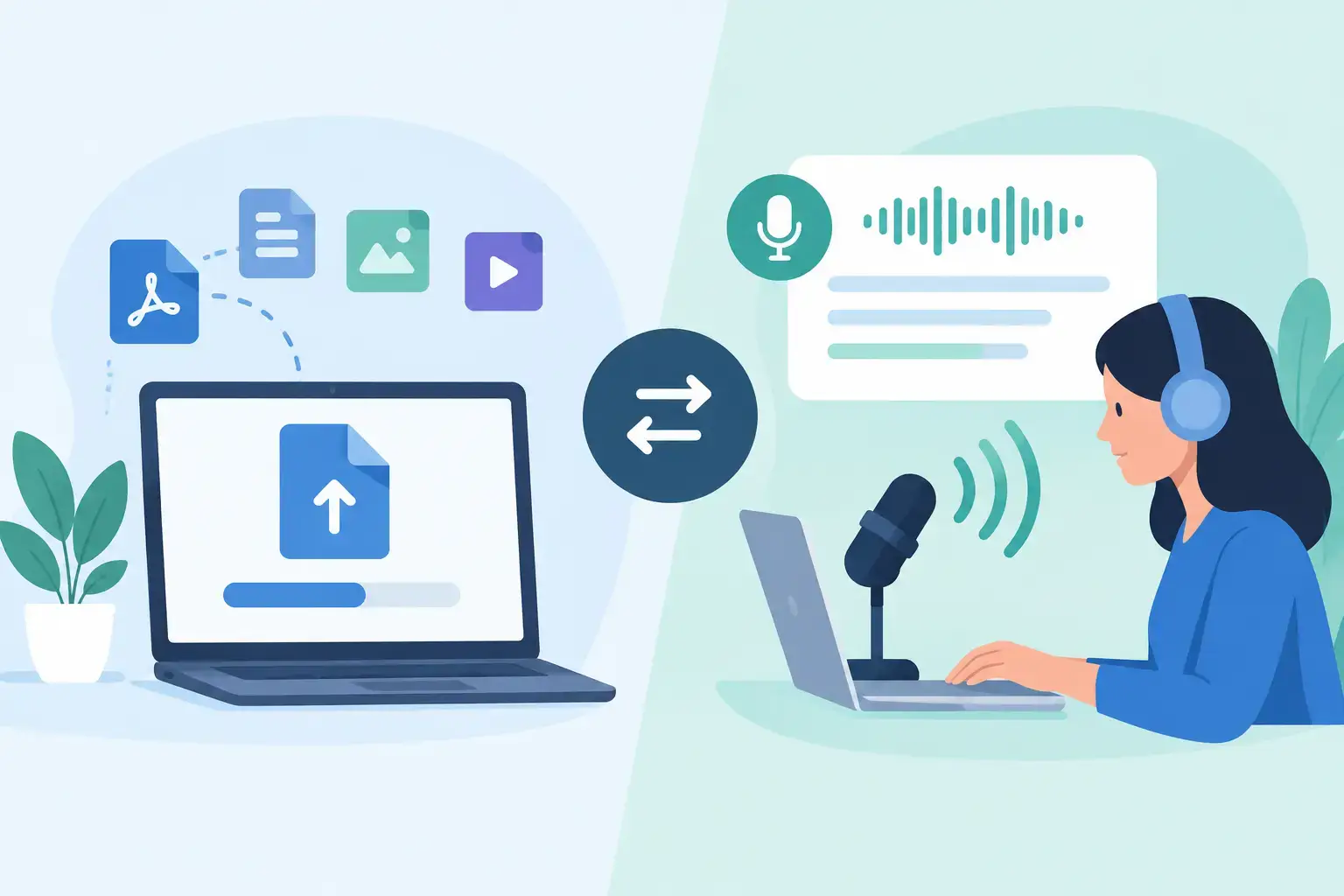
Live transcription converts speech to text as it is captured in the browser. You can follow the conversation on screen, see timestamps appear as the discussion develops, and mark important passages before the meeting or interview ends. It is designed for moments where the transcript is part of the live working process.
File upload transcription begins with an existing audio or video recording. Once uploaded, the system processes the complete file and returns a transcript ready for review. This is often the better fit for recorded interviews, webinars, podcasts, field recordings, video calls and any session where recording happened elsewhere.
The underlying objective is the same: replace replaying, typing and hunting through long recordings with a usable written record. The operational difference is timing. Live transcription supports attention and decisions in the moment. File upload supports efficient processing once the event is over.
When live transcription is the better working tool
Live transcription earns its place when a delayed transcript would create extra work. In a client meeting, for example, a consultant can listen properly while knowing that decisions, names and agreed actions are being captured. At the end of the call, there is already a record to review rather than another administrative task waiting in the queue.
For coaches and managers, the value is often focus. Taking detailed notes while maintaining rapport is difficult. A live transcript reduces the pressure to write everything down, while timestamps make it easier to return to a specific moment afterwards. The conversation remains the priority.
Journalists can also benefit when deadlines are tight. Seeing text appear in real time helps confirm spellings, figures or quotations before an interviewee leaves. It is not a substitute for professional judgement or fact checking, but it can flag a point worth clarifying while clarification is still possible.
Live sessions need practical preparation
Real-time output is only as useful as the audio reaching the microphone. A quiet room, a decent headset or conference microphone, and one person speaking at a time all improve clarity. If several participants join remotely, ask them to use their own microphone rather than relying on a laptop placed at the far end of a room.
Live transcription also depends on a stable connection and an active browser session. That makes it a less suitable primary method for fieldwork with unreliable internet, long events where devices cannot be monitored, or situations where recording must continue independently of the person taking notes.
The sensible approach is to record the session where appropriate. The live transcript supports the meeting as it happens, while the recording provides a reference point for later checks.
When file upload transcription is the better choice
File upload is usually the practical answer when the recording already exists or when live capture would be distracting. A researcher may collect interviews over several days and upload them in batches. A podcast producer may receive a remote recording from a guest. A communications team may need a transcript of a recorded webinar before producing articles, clips or captions.
In these cases, there is no reason to stay attached to a live transcription screen. Upload the file when ready, let the processing run, then review the text with the full context available. The workflow is especially useful for longer recordings, where the priority is obtaining a structured draft quickly rather than following every line in real time.
Uploaded files also give teams more control over the source material. The original recording can be made once using the equipment and platform that suit the session, then processed through a transcription service as a separate step. This matters when organisations have established recording procedures, need to collect material from several contributors, or work with video as well as audio.
File upload is not always the slower option
It may feel as though live transcription is automatically faster because text starts appearing immediately. That is true during a meeting, but it is not the whole measure of speed. If nobody needs the transcript until after the recording, uploading a completed file can be more efficient. There is no need to supervise a live session, and the review can begin once the transcript is ready.
The real question is: when does someone need to act on what was said? If actions must be circulated straight after a meeting, live transcription has a clear advantage. If the work begins the following morning, file upload may be the cleaner route.
Accuracy depends on the recording, not just the method
Neither method removes the need for a sensible review process. Speech-to-text performs best with clear audio, distinct speakers and limited background noise. Strong accents, industry terminology, interruptions and poor call quality can all require corrections, whether the audio is transcribed live or from an uploaded file.
File upload can make review easier because the entire recording is available before editing begins. A researcher can check a disputed phrase against the source, correct a participant name and standardise terminology in one sitting. Live transcription, meanwhile, can prevent errors from carrying forward by allowing a speaker to clarify a name or number immediately.
Speaker diarisation is particularly valuable where multiple people contribute. It separates the discussion into identifiable speakers, making a long interview or workshop easier to read. It should still be checked, especially when participants talk over one another or have similar voices.
The strongest result is rarely a raw transcript left untouched. It is a transcript that has been reviewed for high-stakes quotations, names, figures, technical terms and decisions. Timestamps, search, bookmarks and editing tools reduce the time this takes without pretending that every recording is identical.
Privacy and governance should influence the decision
For client calls, research interviews, coaching sessions and internal meetings, convenience is only one part of the decision. The audio may contain personal data, commercial discussions or information covered by confidentiality obligations. Teams need to know where content is processed, whether it is used to train AI models, who can access it and how long it remains stored.
These questions apply to both live and uploaded workflows. Live transcription is not inherently less sensitive simply because the speech is being processed immediately. File uploads are not inherently riskier simply because they involve a recording. What matters is the provider’s data controls and the organisation’s own handling practices.
Before choosing a workflow, establish clear retention windows, limit workspace access to the people who need it, and remove recordings when the purpose for keeping them has ended. For work involving personal or confidential information, choose a platform that states its processing location and model-training policy plainly rather than burying them in vague terms.
Endaxi Scribe is built around this professional requirement, with EU-based AI processing, no US data transfers and no training of AI models on customer content. Controls such as two-factor authentication and defined retention settings support teams that need a transcript without giving up oversight of the underlying material.
A practical way to choose
Choose live transcription when the transcript helps you run the conversation better: you need to capture actions before everyone leaves, check details in the moment, or reduce note-taking during a session. Choose file upload when the recording already exists, you are processing work in batches, or the live event needs to be captured independently of the transcription workflow.
For recurring work, create a simple rule. Meetings that need same-day actions can be transcribed live. Recorded interviews, calls and content production can be uploaded after the event. In both cases, assign time for a focused review before sharing the final text externally.
A good transcript is not merely a written copy of audio. It is a working record that lets people find the right moment, confirm what was agreed and move on with confidence. Pick the method that puts that record in the hands of the right person at the point they can use it.