
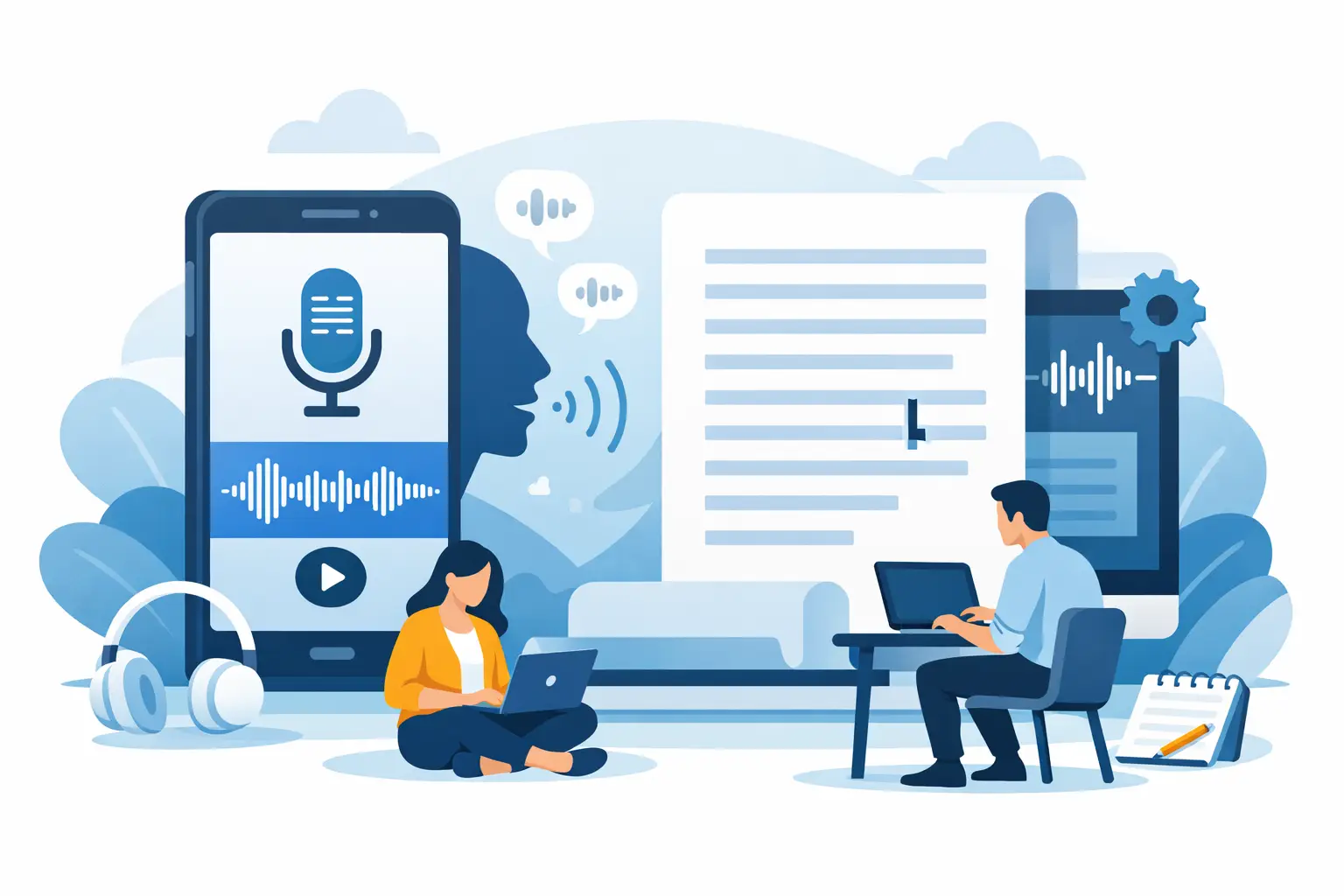
If you have ever finished an interview, client call or coaching session and thought, I need this in writing now, the real question is not just how do I transcribe a voice recording to text. It is how to do it quickly, accurately and without creating more admin than you started with.
For most professionals, transcription is no longer a specialist task. It is a routine part of running meetings, documenting decisions, capturing research, producing content and keeping reliable records. The right approach depends on what you are transcribing, how sensitive the material is and what you need to do with the transcript afterwards.
How do I transcribe a voice recording to text in practice?
There are three common ways to turn a recording into text. You can transcribe it manually, use built-in dictation tools or use a dedicated transcription platform.
Manual transcription gives you the most control, but it is also the slowest by far. A one-hour recording can easily take several hours to type up properly, especially if there are multiple speakers, background noise or technical language. That may still make sense for short, highly sensitive recordings where every word matters and no software can be approved.
Built-in dictation tools are quick to try, but they are often designed for personal note-taking rather than professional workflows. They may struggle with overlapping speech, speaker changes, long recordings and structured export. They can work for a quick memo. They are less reliable when you need clean records from interviews, meetings or research sessions.
A dedicated transcription platform is usually the most practical option if spoken content is part of your regular work. You upload the audio or video file, or capture speech live in your browser, and the system produces searchable text in seconds or minutes depending on the workflow. That matters when your transcript is not the final output, but the starting point for reporting, analysis, documentation or publication.
Start with the recording quality
Transcription quality starts before any file is uploaded. Even the best speech-to-text system has to work with the audio it is given.
If you are recording an interview or meeting, place the microphone close to the main speaker where possible and reduce unnecessary room noise. A quiet office, headset microphone or decent external mic will usually outperform a laptop microphone sitting at the far end of a table. If several people are speaking, ask them not to interrupt each other too heavily. Speaker overlap can make any transcript harder to clean up.
File format matters less than people expect. Most modern platforms handle common audio and video formats without issue. What matters more is whether the speech is clear, whether accents are strong, whether specialist terms are used and whether the recording includes multiple speakers talking at pace.
The simplest workflow for fast transcription
If your main goal is speed, the process should be straightforward. Record the conversation, upload the file, let the system generate the transcript, review it, then export it in the format you need.
That review step is where professional users save time rather than lose it. You are not trying to retype the whole conversation. You are checking names, figures, technical terms and any passages where the audio is less clear. A good transcript editor makes that practical by linking text to timestamps so you can jump straight to the relevant moment instead of dragging through the recording manually.
For recurring work, structure matters as much as speed. If you handle interviews every week, or run several client calls a day, you need transcripts that are easy to search, edit, bookmark and share internally. A block of raw text is useful once. A timestamped transcript that can be reviewed and exported cleanly is useful every day.
When live transcription is better than uploading a file
Sometimes you do not want to wait until the recording has ended. In those cases, live transcription is the better fit.
This is useful for meetings, coaching sessions, interviews and calls where you need to follow the discussion as it happens, capture exact wording or mark key moments in real time. Journalists can flag quotes. Researchers can note themes as they emerge. Consultants and teams can keep a record of decisions without splitting attention between listening and taking notes.
Live transcription also reduces the risk of missing detail. Spoken conversations move quickly. Notes tend to be selective, and selective notes can create gaps later. A live transcript gives you a fuller record from the outset, which you can then refine rather than reconstruct.
Accuracy is not just about the engine
People often ask about accuracy as if there is one universal percentage that applies to every recording. In reality, it depends.
Clear speech in a quiet setting will usually produce very strong results. A recorded round-table discussion in a noisy café will not. Strong regional accents, crosstalk and industry-specific vocabulary all affect output. That is normal.
The more useful question is whether the transcript is accurate enough to reduce work rather than create it. For most professionals, the answer is yes when the platform is built for proper spoken-word workflows. Speaker diarisation, timestamping and transcript editing make a substantial difference because they help you verify and clean the output efficiently.
If your work involves regulated, sensitive or commercially confidential material, there is another dimension to accuracy: trust in the process. You need to know where the data is handled, how long it is retained and whether your content is being used to train external models. Those are operational questions, not marketing details.
How do I transcribe a voice recording to text securely?
If the recording includes client conversations, research interviews, internal meetings or protected personal data, security should be part of the workflow from the start.
That means checking where processing takes place, whether there are clear retention controls, whether access is protected with two-factor authentication and whether your content is excluded from AI model training. For many professional users, especially in the UK and Europe, data location and transfer rules are not optional concerns. They are procurement and compliance issues.
This is where consumer-grade tools often fall short. They may convert speech to text, but they do not always provide the governance standards that business users need. A professional platform such as Endaxi Scribe is built around that requirement, with clear controls over retention, secure account access and processing designed for privacy-conscious teams.
What to do after the transcript is generated
A transcript is most valuable when it moves cleanly into the next task. That could mean pulling quotes for an article, extracting actions from a meeting, tagging research themes or creating content from a recorded discussion.
Summaries can help here, but they should support the transcript rather than replace it. If you are preparing a report or checking what was agreed on a call, the summary gives you speed and the full transcript gives you evidence. The two serve different purposes.
Bookmarks are also useful for long recordings. Instead of scanning fifty minutes of audio to find one important remark, you can mark key moments during review and return to them directly. For researchers, coaches and content teams, that is a practical time-saver rather than a nice extra.
Export matters too. Some people need a plain text file. Others need a document they can annotate, archive or share with a team. The point is not just converting speech to text. It is producing a working document that fits the next step in your process.
Choosing the right method for your workload
If you only need to transcribe the occasional voice note, a basic tool may be enough. If you regularly work with interviews, meetings, calls or recorded content, it is worth using software built for volume, structure and review.
The difference shows up quickly. You spend less time replaying audio, less time fixing formatting and less time hunting for specific moments in long recordings. You also get a more dependable record, which matters when the transcript feeds analysis, reporting, billing notes, compliance records or published work.
For teams, consistency becomes just as important as speed. Shared workspaces, pooled usage and standard export options reduce friction across the whole workflow. One person records the call, another reviews the transcript, and someone else uses it in a report or follow-up. That process is easier when the system is designed for collaborative use rather than individual dictation.
If you are asking how do I transcribe a voice recording to text, the practical answer is straightforward: use the clearest recording you can, choose a platform built for real spoken-word work, review only what needs checking and keep security in view from start to finish. The best setup is the one that gives you a usable transcript quickly, keeps your data under control and lets you get on with the work that actually matters.