
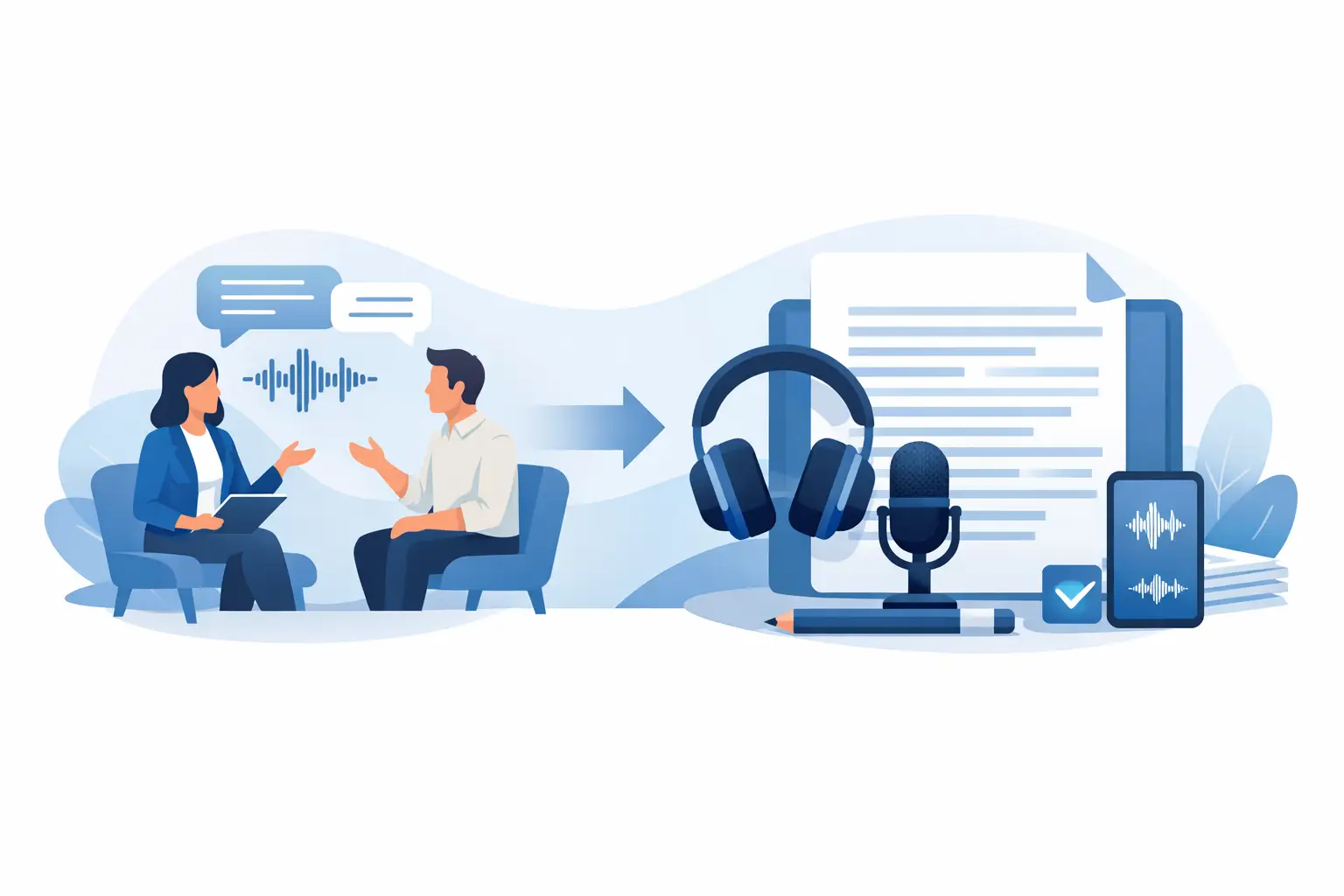
An interview can contain the one detail that changes a story, validates a research finding or clarifies a client decision. If it is trapped in a 60-minute recording, finding that detail later is slow and unreliable. Knowing how to convert interviews into text gives you a searchable working record without forcing you to type every word yourself.
The best process is not simply uploading audio and accepting whatever appears on screen. Professional interview transcription needs good source material, sensible speaker labels, a focused review and clear rules for handling sensitive recordings. Get those stages right and the transcript becomes useful evidence rather than another file to manage.
Start with an interview recording worth transcribing
Transcription quality begins before the conversation starts. Speech-to-text tools can process recordings quickly, but they cannot fully repair an interview where one person is distant from the microphone, several people talk over each other or background noise covers key answers.
For in-person interviews, place the recorder or microphone close enough to capture both voices clearly. In a remote call, ask participants to use headphones where possible and record separate audio tracks if your meeting platform supports them. Separate tracks are especially helpful when two people speak at similar volumes or have similar accents.
A quiet room is preferable, but real work does not always happen in controlled conditions. Journalists may be recording on location, researchers may conduct field interviews and consultants may need notes from a busy client call. In those cases, reduce avoidable noise, state names clearly at the start and make a brief verbal note when an important interruption occurs. Those small habits make the later review faster.
Check consent before recording. The right approach depends on the purpose of the interview, your organisation’s policy and the information being discussed. For interviews involving personal, commercial or research data, explain how the recording will be stored, who can access it and how long it will be retained.
Choose live transcription or file upload
There are two practical ways to turn an interview into text. Live transcription creates text as the interview happens. Upload transcription processes a completed audio or video file afterwards.
Live transcription is useful when you need to follow an answer closely, capture exact phrasing for a quote or leave the call with a draft record already available. A researcher can mark an emerging theme during a participant interview; a consultant can flag a decision before a client meeting ends. It also provides a useful fallback if handwritten notes are incomplete.
Uploading a recorded interview is often better when the conversation has already taken place, when a colleague recorded it, or when you want to process a video interview. The workflow is simple: upload the file, select the spoken language where required, allow the platform to process it, then open the transcript for review. A professional service should return a timestamped draft in seconds or minutes, depending on file length and demand.
The choice is not about which method is universally better. Use live transcription when immediate visibility changes the way you work. Use upload transcription when recording conditions, post-production or your interview format make a later review more practical.
How to convert interviews into text with speaker labels
A transcript without speaker identification is difficult to quote, analyse or share. Speaker diarisation separates the voices in a recording and labels each contribution, usually as Speaker 1, Speaker 2 and so on. Your job is to replace those generic labels with meaningful names or roles.
Do this early. Once you know who is speaking, you can read the conversation at speed, identify follow-up questions and pull out attributed quotations with more confidence. For a research project, labels might read Interviewer and Participant 04. For a podcast, use the host and guest names. For an internal interview, a job title may be more appropriate than a full name if the transcript will circulate widely.
Automated diarisation is highly useful, but it is not infallible. It can struggle when people interrupt each other, one person speaks briefly from across the room or a participant changes microphone. Review the first few exchanges carefully and check any section where the labels suddenly switch. A short correction at this stage prevents attribution errors in the final record.
Timestamps matter for the same reason. They let you return to the original recording when a sentence is unclear or a quote needs verification. They also make long interviews manageable: a producer can find the section on pricing, while a researcher can revisit the moment a participant describes a particular experience.
Review the transcript for meaning, not perfection
Automatic transcription is a first draft. The right review standard depends on how you will use the text.
If you need a working note from a routine discovery call, correct names, figures, decisions and action points. Remove obvious errors that could cause confusion, then move on. Spending an hour polishing every filler word is rarely a good use of time.
If you are preparing a published quotation, legal record, academic analysis or sensitive report, review against the audio more closely. Check direct quotes word for word, confirm technical terms and preserve relevant pauses or qualifications. A phrase such as “I think” or “not necessarily” can materially alter what an interviewee meant.
There is also a choice between verbatim and clean-read transcription. Verbatim text retains repetitions, false starts and filler words. It can be valuable for qualitative research, legal matters and detailed editorial work. A clean-read transcript removes verbal clutter while preserving the speaker’s intended meaning. It is usually easier to use for meeting records, content planning and internal documentation.
Avoid editing an interview so heavily that it changes the record. Correct obvious transcription mistakes, improve readability where appropriate and mark unclear speech rather than guessing. If a passage cannot be understood, use a clear notation such as [inaudible 12:43] and return to the audio if it becomes relevant.
Turn a transcript into a usable work document
Text is only valuable when people can find and act on it. After reviewing the transcript, use bookmarks or highlights to mark significant moments: a strong quote, a key objection, a decision, a research theme or a follow-up task. This is more reliable than relying on memory after several interviews.
For longer conversations, a short summary can give colleagues the context before they read the full text. Keep the transcript as the source record and treat the summary as a navigation aid. Summaries can miss nuance, especially where the interviewee is uncertain, contradictory or describing a complex sequence of events.
Export format should match the next step in your workflow. A document format is useful for collaborative editing and quotation selection. Plain text works well for research tools and archives. Captions may be needed for video publishing. If your team works across a shared workspace, ensure transcript access follows project roles rather than being available to everyone by default.
A practical naming convention prevents confusion later. Include the date, interviewee or project identifier and version status, for example: `2026-08-02_Market-Research_Participant-04_reviewed`. For sensitive work, use an approved identifier rather than a participant’s full name.
Protect interview recordings and transcripts
Interview files often contain more than speech. They may include personal data, commercial plans, health information, unpublished research or candid comments that were never intended for broad distribution. Convenience should not override data governance.
Before choosing a transcription provider, establish where audio is processed, whether customer content is used to train AI models, how long recordings and transcripts are retained, and whether you can control deletion. Two-factor authentication, access controls and clear retention windows are operational requirements for professional work, not optional extras.
For UK and European organisations, data location is particularly relevant. Processing within the EU and avoiding unnecessary US data transfers can simplify governance requirements, though each organisation should assess its own obligations. Keep only the material you need, restrict workspace access, and delete recordings when the agreed retention period ends.
Endaxi Scribe is designed for this kind of working environment, combining browser-based live transcription and file uploads with speaker diarisation, timestamps, editing, summaries, bookmarks and export controls. Its approach also keeps customer content out of AI model training and supports explicit retention controls, so the convenience of fast transcription does not require giving up control of sensitive interview material.
Build a repeatable interview transcription routine
The fastest teams do not reinvent the process for each recording. They use a simple routine: confirm consent, record clearly, transcribe live or upload the file, identify speakers, review high-risk details, mark important moments and export the format the next person needs.
This routine should flex according to the stakes. A content interview may need rapid quote selection. A research interview may need detailed coding and verbatim accuracy. A client interview may require tighter access controls and a concise record of commitments. The same transcription platform can support each use case, but the review and retention rules should reflect the work.
A good transcript does more than save typing time. It gives spoken information a dependable place in your workflow, where it can be checked, searched and used while the context still matters.