
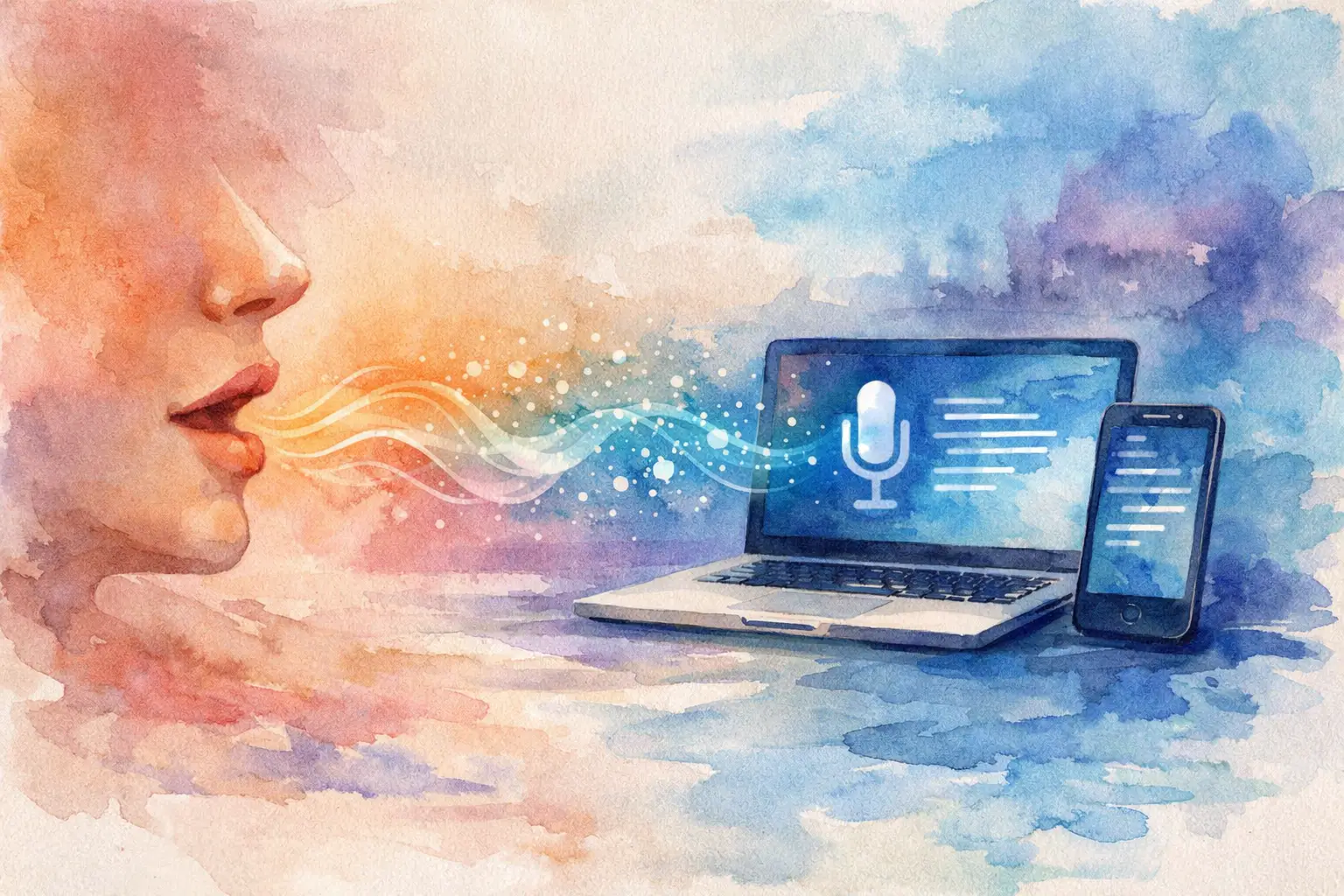
You do not notice how much spoken information slips past until you need to write it up afterwards. A client call ends, an interview moves quickly, a coaching session covers six useful points, and your notes capture perhaps half of what mattered. Speech to text in real time changes that dynamic by turning live conversation into readable text as it happens, so you can stay present in the discussion instead of trying to transcribe it manually.
For professionals, that is not a novelty feature. It is an operational tool. When live transcription is accurate, fast and structured well, it reduces admin, improves records, and makes spoken work easier to search, review and share.
What speech to text in real time actually solves
Most people first think about speed. That is fair enough. If spoken words appear on screen within seconds, you spend less time replaying recordings and less time reconstructing conversations from memory.
But the real value is broader than speed alone. Real-time transcription gives you a working record while the conversation is still happening. Journalists can mark a quote before the interview ends. Researchers can spot a theme worth probing further. Consultants can keep track of decisions without breaking the flow of a meeting. Coaches can focus on the client rather than scribbling notes.
That shift matters because spoken work tends to be messy. People interrupt each other, change direction, revise a point halfway through a sentence, and move from one important topic to another with no warning. Good speech to text in real time creates order from that mess quickly enough to be useful in the moment.
Why live transcription is different from dictation
Consumer dictation tools are designed for one speaker talking clearly into a device. That can work well for short messages or simple note-taking. Professional use is rarely that tidy.
A real meeting or interview may involve multiple speakers, uneven microphones, background noise and specialist terms. The transcript is not only there to capture words. It needs to support a workflow. That usually means timestamps, speaker separation, editing, bookmarking and export options that make the text usable after the call has ended.
This is where many tools fall short. They may convert audio to text, but they do not help you work with the result. For a professional user, raw text is only the starting point.
How speech to text in real time fits into a practical workflow
The best systems remove friction from start to finish. You open a browser, start capturing live speech, and the transcript builds on screen in near real time. When the session ends, the text is already there for review rather than sitting in a queue waiting to be processed.
From there, the useful work begins. You tidy wording where needed, check names or technical terms, identify speakers, and mark key sections. If the platform supports summaries and bookmarks, you can turn a long conversation into something far easier to navigate. Export then becomes simple rather than another admin task.
That matters across different kinds of work. A journalist may need quotes and timestamps. A researcher may need speaker-labelled records for analysis. A consultant may need a clean summary and action points. A podcaster may need an editable transcript for production and publishing. The core need is the same, but the final output differs.
Accuracy matters, but context matters more
Accuracy is often treated as a single headline number. In practice, it depends on conditions. Clear speech in a quiet room will produce better results than a rushed online meeting with poor audio. Strong microphones, one person speaking at a time and stable internet all help.
Even so, professional users should look beyond a generic promise of accuracy. Ask whether the system handles overlapping speakers reasonably well, whether timestamps are reliable, whether speaker diarisation is available, and whether editing is fast enough to correct the small errors that every automatic system still makes.
A useful transcript does not need to be perfect from the first word. It needs to be accurate enough to trust, structured enough to review quickly, and editable enough to finish without wasting time. That is a more realistic benchmark for day-to-day work.
Privacy is not a footnote
For many businesses, the biggest question is not whether speech to text in real time is possible. It is whether it is safe to use with client calls, interviews, internal meetings or sensitive research.
That concern is justified. Spoken content often includes confidential information, commercial discussions, personal data and material that should not move casually between systems. If a transcription platform is vague about storage, retention or model training, that is a risk, not a minor omission.
Professionals should expect clear answers. Where is data processed? How long is it retained? Can users control deletion? Is customer content used to train AI models? Are there protections such as two-factor authentication and defined retention windows?
These details are part of product quality. A platform built for professional work should treat privacy and governance as core features, not legal small print. That is one reason services such as Endaxi Scribe are positioned differently from general-purpose consumer tools. The point is not only transcription speed. It is giving teams a dependable way to work with spoken content while keeping control over where that content goes and how long it stays there.
Who benefits most from real-time transcription
The clearest gains usually appear in roles where conversation is the raw material of the job. Journalists can capture interviews without losing eye contact or momentum. Researchers can reduce manual note-taking and return to evidence faster. Consultants can document discovery calls and stakeholder meetings with less effort. Coaches can pay closer attention to what a client is saying instead of trying to keep a complete written record.
Small teams also benefit when transcripts are shared rather than trapped in one person’s notebook. A call becomes searchable for everyone with access. Key moments can be reviewed without replaying an entire recording. Administrative follow-up becomes quicker because the source material is already in text form.
There is still a judgement call, though. Not every conversation needs full real-time transcription. For short informal chats, a quick manual note may be enough. The value rises when the conversation is information-dense, time-sensitive or likely to be reviewed later.
What to look for in a professional tool
A serious platform should first be easy to start using. If live capture requires awkward setup, people will avoid it. Browser-based access is often the most practical option because it lowers friction for individuals and teams.
After that, look at the features that shape real work. Speaker diarisation helps when more than one person is involved. Timestamps matter when you need to verify a point quickly. Transcript editing matters because even strong automation benefits from a fast human review. Summaries and bookmarks matter because most people do not want a wall of text. Export matters because transcripts usually need to move into reports, articles, research notes or production workflows.
Team usability is another dividing line. Shared workspaces and pooled allowances can make more sense than isolated individual accounts, particularly in small businesses where transcription demand shifts week by week.
The trade-off professionals should keep in mind
Real-time transcription is powerful, but it does change how people work. Some users expect a finished, publishable transcript instantly and are disappointed when a review pass is still needed. Others overestimate how well any system can handle poor audio.
The better approach is to treat live transcription as a high-speed first draft with operational value from the first minute. It captures far more than manual notes, it keeps the discussion moving, and it shortens the gap between conversation and usable output. Then a short review turns that draft into a dependable record.
That is usually a better trade than taking sparse notes live and trying to reconstruct the missing detail later.
Speech to text in real time is becoming standard
For professionals who work with interviews, meetings, calls and recorded content, the question is no longer whether transcription belongs in the workflow. The more useful question is whether the tool is built for professional standards – speed, structure, privacy and control.
When those elements are in place, speech to text in real time stops being a clever convenience and starts doing what good software should do: reducing avoidable work, preserving important detail, and making spoken information easier to use while it is still fresh. If your day depends on what people say, that is a practical advantage worth having.