
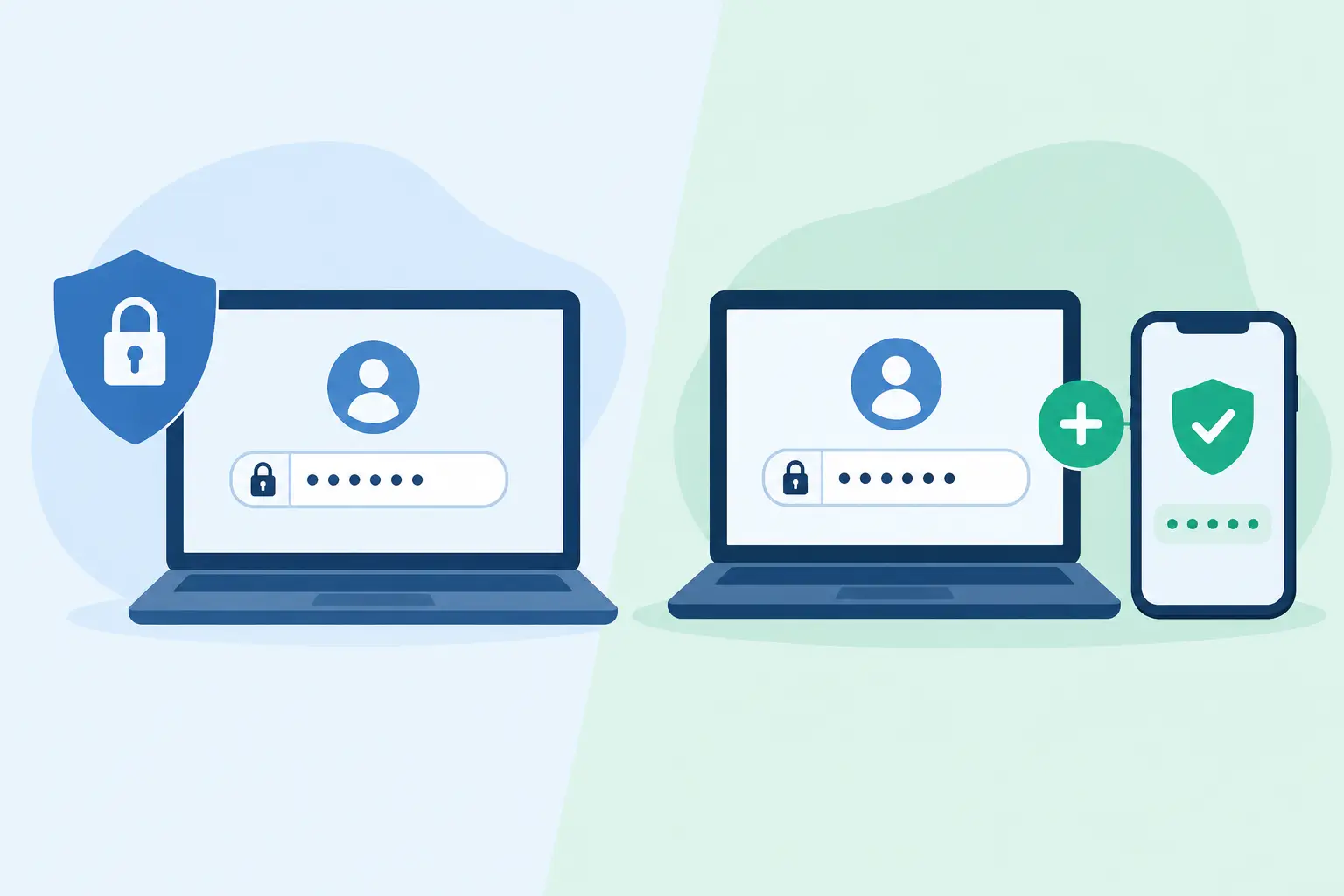
A password can be copied, guessed, reused from another breach or handed over in response to a convincing phishing message. That is the practical difference at the centre of two factor vs single passwords: one method relies on a single secret, while the other requires a second, separate proof that the person signing in is really authorised.
For professionals working with interviews, client calls, research recordings and meeting transcripts, account security is not an abstract IT concern. A compromised account may expose names, opinions, commercially sensitive discussions or personal data. The right login controls reduce that risk without making routine work unnecessarily difficult.
What single-password login actually protects
Single-password authentication asks for one thing: a password. If the password matches the account record, access is granted. It is familiar, fast and requires no additional device or setup.
Its weakness is equally straightforward. The password becomes the only barrier between an attacker and the account. A long, unique password stored in a reputable password manager is far safer than a short or reused one, but it can still be captured through phishing, malware, a compromised browser session or a breach at another service where the same password was used.
This matters because password reuse remains common in working life. Someone may choose a sensible password for a work tool, then unknowingly use a variation of it elsewhere. If that unrelated service is breached, attackers can test the exposed credentials against popular business platforms. This technique is often called credential stuffing, and it does not require the attacker to know anything about the target beyond an email address and a leaked password.
A single password also offers limited protection when a colleague is pressured into sharing access, or when a device is left signed in. Strong password rules help, but they cannot verify the person currently using the credentials.
Two factor vs single passwords: the operational difference
Two-factor authentication, often shortened to 2FA, adds a second requirement after the password. Usually, that is something the user has, such as an authenticator app on their mobile phone or a hardware security key. In some cases it may be something they are, such as a biometric check used to approve access on a device.
The core principle is that the two factors should be independent. Knowing a password should not, on its own, be enough to enter the account. If a phishing page collects a user’s password, the attacker still needs the second factor to complete the login.
For a transcription workspace, this is a meaningful improvement. An attacker who obtains a password cannot simply browse uploaded recordings, download exports or read draft transcripts unless they can also satisfy the extra verification step. It creates a second decision point that often alerts the genuine user that something is wrong.
That does not mean all forms of 2FA provide identical protection. A code sent by SMS is better than a password alone, but phone numbers can be targeted through SIM-swapping or message interception. Time-based codes from an authenticator app are generally stronger, though users still need to be alert to phishing pages that request a code in real time. Hardware security keys and passkeys offer stronger phishing resistance where they are supported, because they are tied to the legitimate service rather than simply producing a reusable code.
Why sensitive spoken data changes the risk calculation
Not every account holds the same value. A streaming account and a workspace containing a confidential research interview should not be assessed in the same way.
Audio and transcripts can contain more context than a typical document: voices, names, commercial plans, health information, employment matters, unguarded comments and details that were never intended for wide distribution. Even where a recording is not formally confidential, the professional and reputational impact of unauthorised access can be serious.
Journalists may need to protect source material. Consultants may hold client discussions. Researchers can handle participant data subject to ethics requirements. Coaches and teams may work with personal or commercially sensitive conversations. In each case, a password-only account places too much weight on one credential.
Two-factor authentication should sit alongside other controls, not replace them. Access should be limited to the people who need it, retention settings should match the purpose of the work, and former team members should be removed promptly. Clear data handling practices matter just as much as the sign-in screen.
The trade-off: stronger security adds one small step
The objection to 2FA is usually friction. A user may need to open an authenticator app, approve a prompt or find a security key before they can begin a meeting. In a rushed working day, that can feel inconvenient.
The fair comparison is not between two-factor authentication and perfect convenience. It is between a few seconds at sign-in and the time, stress and operational disruption caused by an account takeover. Resetting access, investigating activity, notifying affected people and restoring trust all take longer than entering a verification code.
The impact can be kept low with sensible configuration. A password manager removes the need to remember complex credentials. Trusted, managed devices can reduce repeated prompts where the service allows it. Backup codes should be stored securely before they are needed, and at least two administrators in a shared workspace should understand the account recovery process.
There are situations where the second factor causes genuine difficulty, particularly for people who travel, change mobile phones or work in areas with limited mobile coverage. That is why relying solely on text messages is not ideal. Authenticator apps can work without signal once set up, while hardware keys provide a useful alternative for people who need a physical, controlled method of access.
Choosing the right second factor
For many individual professionals, an authenticator app is the practical starting point. It is widely supported, quick to use and does not depend on receiving a text message. The user should protect the mobile phone itself with a passcode or biometric lock and retain recovery options in a secure location.
Teams handling higher-risk material should consider passkeys or hardware security keys where available. These options offer stronger resistance to phishing and can be managed as part of a wider device and access policy. They are particularly useful for administrators, finance users and anyone with access to a large volume of client material.
SMS codes are still preferable to password-only access when no stronger choice is available. They should be treated as a transitional option rather than the final standard for a business dealing with sensitive information.
Avoid using email as the only recovery route without securing that email account to the same standard. If a person can reset a transcription platform password through an inbox protected by a weak password, the overall protection is only as strong as that inbox.
A practical rollout for individuals and teams
Security controls work only when people can use them reliably. The most effective approach is to make 2FA a normal part of onboarding rather than a response after an incident.
Start by enabling two-factor authentication for account owners and administrators. Then apply it to every user who can access recordings, transcripts, exports or billing information. Record who owns recovery procedures, but do not share verification codes or backup codes in chat channels, notebooks or unprotected documents.
For a team, the following checks are worth building into the process:
- Require unique passwords generated and stored by a password manager.
- Enrol an authenticator app, passkey or security key for every user.
- Store backup codes in an approved secure location, separate from the everyday device.
- Review access when someone joins, changes role or leaves the organisation.
- Train users to reject unexpected approval prompts and report suspicious login messages.
It is also sensible to test recovery before it becomes urgent. A user who loses a mobile phone should know exactly how to regain access without bypassing security or relying on an unavailable colleague.
What good account security looks like in practice
The best security setup is proportionate. A sole consultant with a few client recordings may use a password manager and authenticator app. A research team managing multiple projects may add role-based access, formal retention rules and hardware keys for workspace administrators. Both are making a better decision than relying on a password alone.
Endaxi Scribe includes two-factor authentication on all plans because the protection of spoken data should not be reserved for larger organisations. Security should support the work: upload or transcribe what you need, review the record, control retention and keep access in the hands of authorised people.
A password remains necessary, but it should no longer be asked to carry the entire security burden. Set up a second factor before the next sensitive recording reaches your workspace, and keep the recovery process just as carefully controlled.