
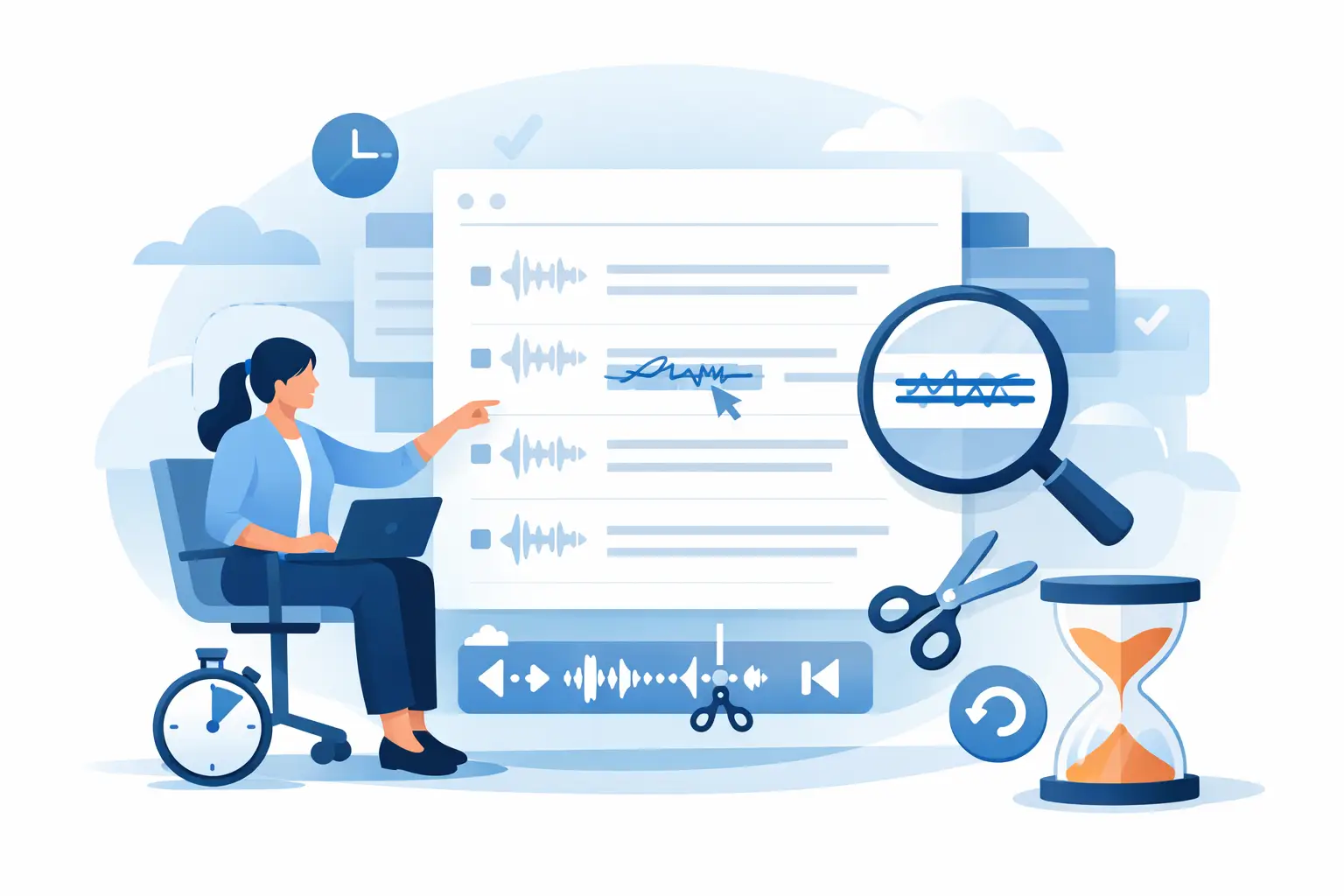
A transcript can be 95% accurate and still cause a problem. One misheard figure can alter a research finding, one incorrect speaker label can misrepresent an interview, and one misspelt name can undermine confidence in a client document. Knowing how to edit transcript errors efficiently is not about polishing every spoken hesitation. It is about creating a record people can trust without replaying an entire recording.
For working professionals, the best process is structured: correct what affects meaning first, verify against the audio, preserve useful timestamps, and apply a consistent editorial standard. That approach keeps review time proportionate to the value and sensitivity of the conversation.
Start with the transcript’s intended use
Before editing, decide what the transcript needs to do. A verbatim record for legal review, academic research or a sensitive interview needs a different standard from meeting notes used to assign actions. If the transcript will be quoted, published, analysed or shared externally, accuracy matters at the word level. If it is an internal working record, clarity and speed may matter more than every false start.
This decision prevents a common mistake: spending twenty minutes correcting every “um”, repeated word and unfinished sentence in a routine team call. Spoken language is naturally untidy. Remove filler words only when doing so improves readability and does not change the speaker’s meaning, tone or certainty.
Set the standard before you begin. For example, you might retain interruptions and pauses in a research interview, but edit them lightly in a client meeting transcript. Consistency is more valuable than trying to make every transcript read like a written report.
How to edit transcript errors in the right order
Editing from the first line to the last is often slow because not all errors carry the same risk. Review in passes, starting with the mistakes that can change a decision, quotation or finding.
Correct meaning before grammar
Begin with numbers, dates, names, organisations, product terms, places and technical language. These are the words automatic transcription is most likely to mishear when audio is unclear, a speaker has a regional accent, or the term is unusual.
Listen back to the relevant audio before changing a doubtful phrase. Context can help, but it should not replace evidence. If a consultant says “fifteen per cent” and the transcript says “fifty per cent”, that is a material error. If the audio remains unclear after replaying it, mark the uncertainty rather than guessing. A note such as “[unclear]” is preferable to inserting a confident but unsupported word.
Pay particular attention to negative language. “We can proceed” and “we cannot proceed” are only one word apart, but the operational consequence is entirely different. The same applies to qualifiers such as “may”, “usually”, “not yet” and “subject to approval”.
Verify speaker labels early
Speaker diarisation saves substantial time in meetings, interviews and panels, but labels still need checking. A short response may be attributed to the wrong participant when people speak over one another, use similar voices, or join a call late.
Confirm each speaker at their first substantial contribution, then scan transitions throughout the recording. Correct labels before refining wording. Otherwise, you may produce a clean transcript that assigns a key statement to the wrong person.
Where a speaker cannot be identified with confidence, use a neutral label such as Speaker 1 or Participant A rather than making an assumption. For journalists and researchers, this protects attribution. For teams, it keeps the record usable until someone with first-hand knowledge can confirm the name.
Use timestamps as your route back to evidence
Timestamps are not just a navigation feature. They are the audit trail that makes editing quicker and more defensible. When you find an error, jump to the timestamp, listen to a few seconds before and after it, and correct the text in context.
This matters most around interrupted speech. The phrase immediately before a pause may look incomplete on the page but make perfect sense in the audio. Listening to the surrounding exchange also reveals whether a word is a direct answer, a joke, a correction or a qualification.
Keep timestamps when the transcript will support reporting, research analysis, compliance reviews or handovers. If you create a cleaner reading copy later, retain an original timestamped version in your records. The polished document is useful; the source-linked transcript is what allows a colleague to verify it.
Make careful edits without rewriting the speaker
A transcript editor should improve legibility, not quietly improve a person’s argument. It is reasonable to correct obvious speech-recognition errors, standardise capitalisation and add punctuation where it clarifies the sentence. It is less defensible to replace informal phrasing with language the speaker did not use, or remove hesitations that indicate uncertainty.
For instance, “I think we might need to revisit the scope” should not become “We need to revisit the scope.” The second version sounds more decisive. That may be attractive in a summary, but it is not an accurate edit of the spoken record.
Use punctuation to show meaning. A missing comma can confuse a long sentence, while a full stop can turn a run-on explanation into a readable account. Do not over-punctuate every pause, however. Speech contains pauses for breathing and thinking, not only for sentence breaks.
Choose one approach for contractions, titles, acronyms and numbers, then apply it throughout. Write organisation names in their official form where possible. If an abbreviation is ambiguous, spell it out at first mention if the transcript is intended for readers who were not present.
Build a fast review workflow
The most efficient transcription process begins before the editor opens the document. Good audio reduces the number of errors requiring human judgement. Ask participants to state their name at the beginning of an interview, minimise competing noise, and avoid multiple people talking at once where possible. For online meetings, each participant using their own microphone is usually more useful than a room speakerphone.
Once the transcript is ready, work through it in three controlled passes. The first pass checks material meaning: names, figures, dates, technical terms and decisions. The second checks speaker labels, punctuation and readability. The final pass is a targeted quality check, where you search for known names, company terminology and recurring terms that may have been transcribed inconsistently.
Do not try to listen to the whole recording at normal speed unless the document has a high evidential requirement. For many business transcripts, targeted playback around uncertain sections is more efficient. The trade-off is clear: full verification provides higher assurance but takes longer. Use it for high-stakes interviews, formal investigations, contractual discussions and research data; use risk-based checking for routine internal calls.
A platform such as Endaxi Scribe supports this working method by bringing transcript editing, speaker separation, timestamps, bookmarks and export into one professional workflow. The goal is not to replace editorial judgement. It is to give that judgement a reliable place to work from, without losing time moving between files, recordings and notes.
Handle sensitive material with care
Transcript editing can expose information that was only briefly mentioned in conversation: personal details, commercial terms, health information, internal performance issues or client data. Accuracy is essential, but so is controlled access.
Limit editing access to people who genuinely need the record. Use a clear retention policy, particularly for uploads containing confidential discussions, and make sure editors understand whether the transcript is a working note, an official record or source material for another document. If you redact information, record that a redaction has been made without leaving sensitive content visible in comments or file names.
Privacy also affects tool selection. Professionals handling sensitive recordings should know where audio and transcript data are processed, how long they are retained, who can access them, and whether customer content is used to train AI systems. These questions are practical governance checks, not procurement formalities.
Know when an error needs escalation
Some transcription errors should not simply be corrected silently. If an earlier version has already been shared and the correction changes a fact, quote or decision, notify the relevant recipients and issue the revised copy clearly. Version confusion can be more damaging than the original error.
Escalate unclear sections when they affect a material finding or action. A researcher may need to return to the participant’s recording protocol; a journalist may need to confirm a quotation; a team may need to ask the meeting owner to clarify an agreed action. The editor’s job is not to invent certainty where the evidence does not support it.
A dependable transcript is built through small, disciplined decisions: check the claim, identify the speaker, preserve the evidence and make only the edits the record can justify. That discipline turns a fast transcription into something colleagues can act on with confidence.